

Philips Hue Starter Kit: Bridge Pro + 3 A19 E26 Smart Bulbs + Button, White & Color Ambiance, Smart Light Hub, Works with Apple Home, Alexa, Google, Samsung SmartThings
$219.99






Price: $219.99
(as of Oct 07, 2025 22:14:16 UTC – Details)
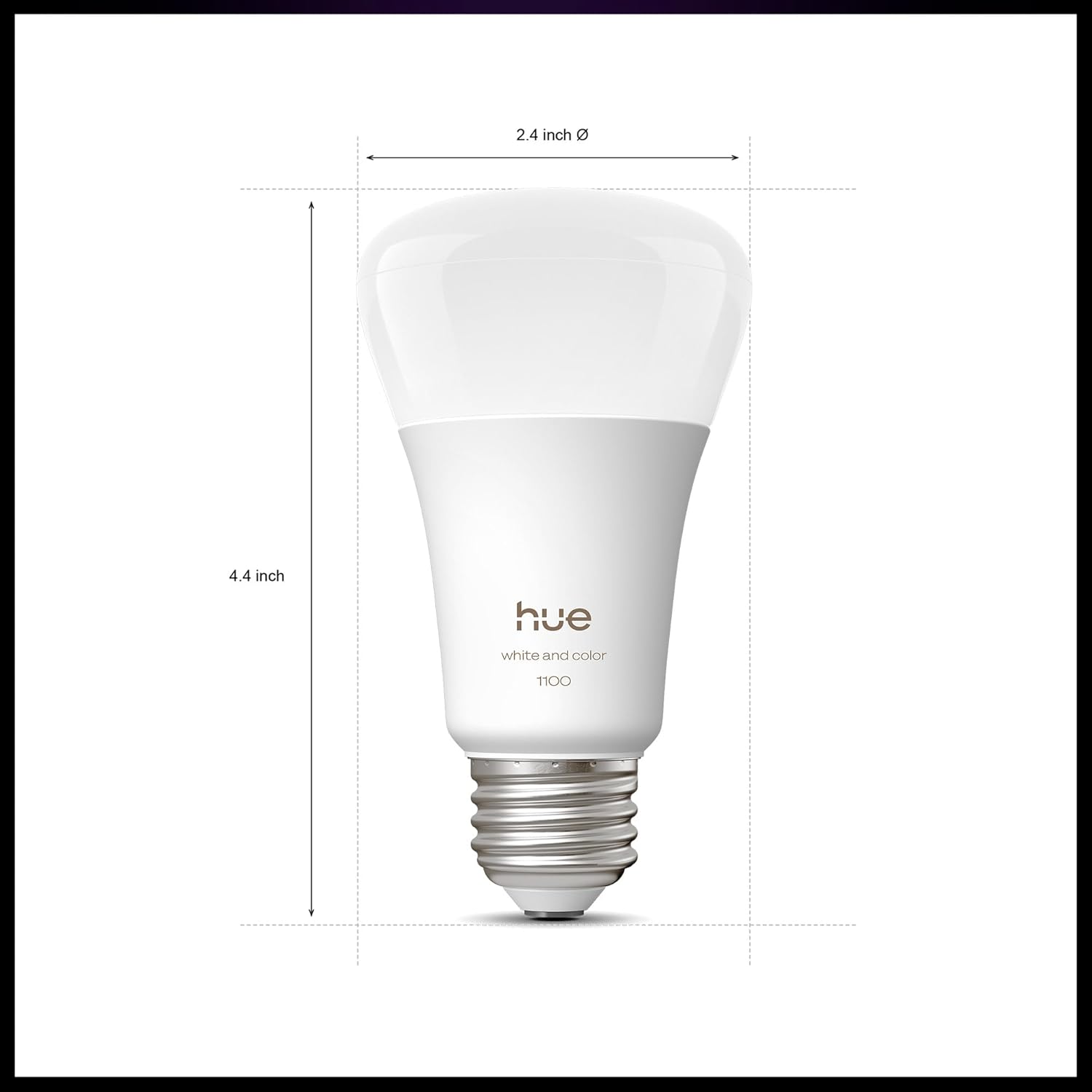
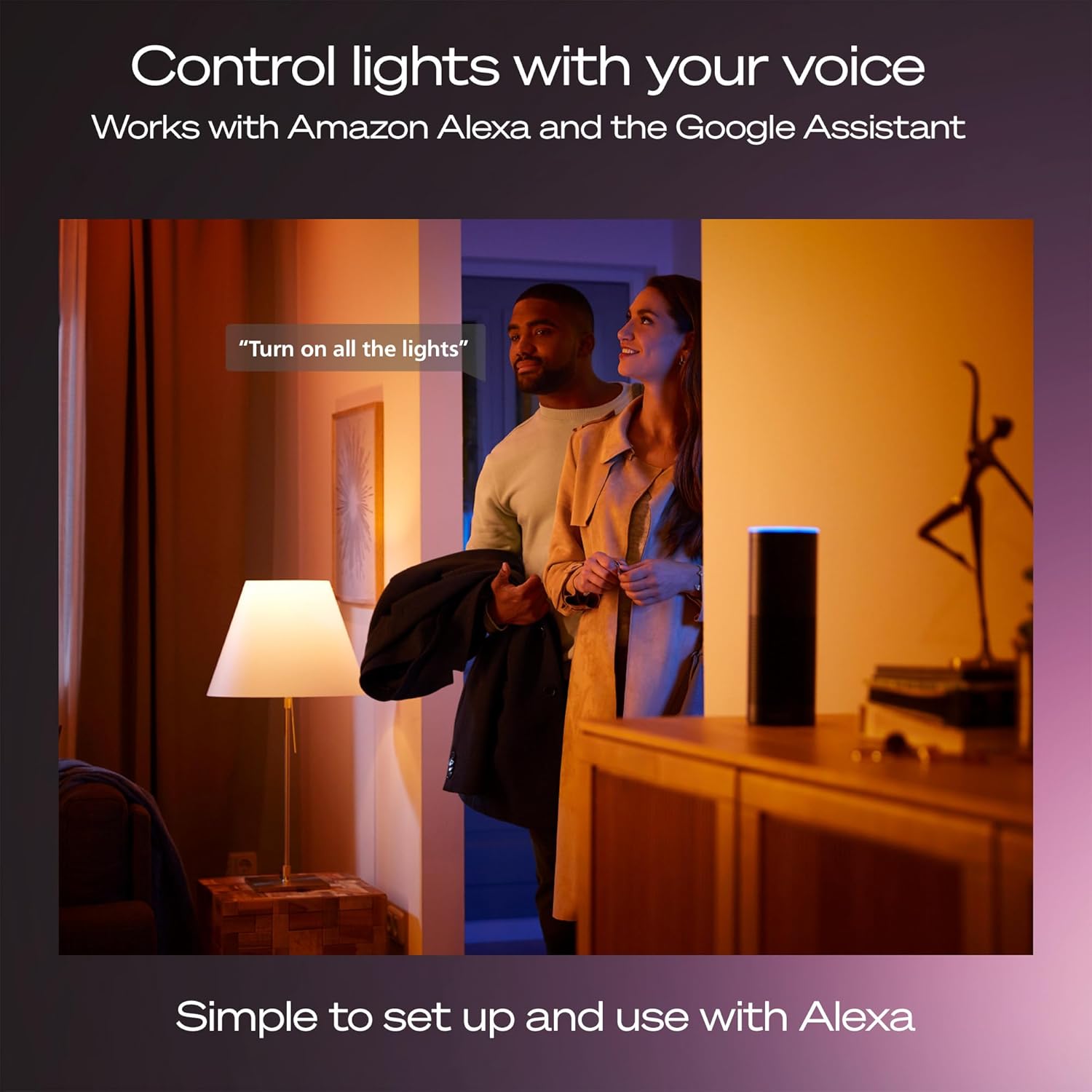
Get started with the next generation of the Hue smart hub, now wireless so you can place it anywhere, and packed with updates including the ability to turn your lights into motion sensors using MotionAware™ technology. This next-generation Hue smart hub is faster and stronger than ever, powered by an ultra-fast chip capable of running complex algorithms and AI-powered features. Add ambient color to any room with the three White and Color Ambiance A19 E26 smart bulbs, controllable using the smart button included.
WHAT’S IN THE BOX: This starter kit includes one Hue Bridge Pro, one smart button, and three A19 E26 LED smart bulbs that produce cool-to-warm and full-color light.
MORE CAPACITY: Migrate all your existing Hue devices to the new Bridge and add more with support for 150+ lights, 50+ accessories, and 8 GB eMMC flash memory for future features.
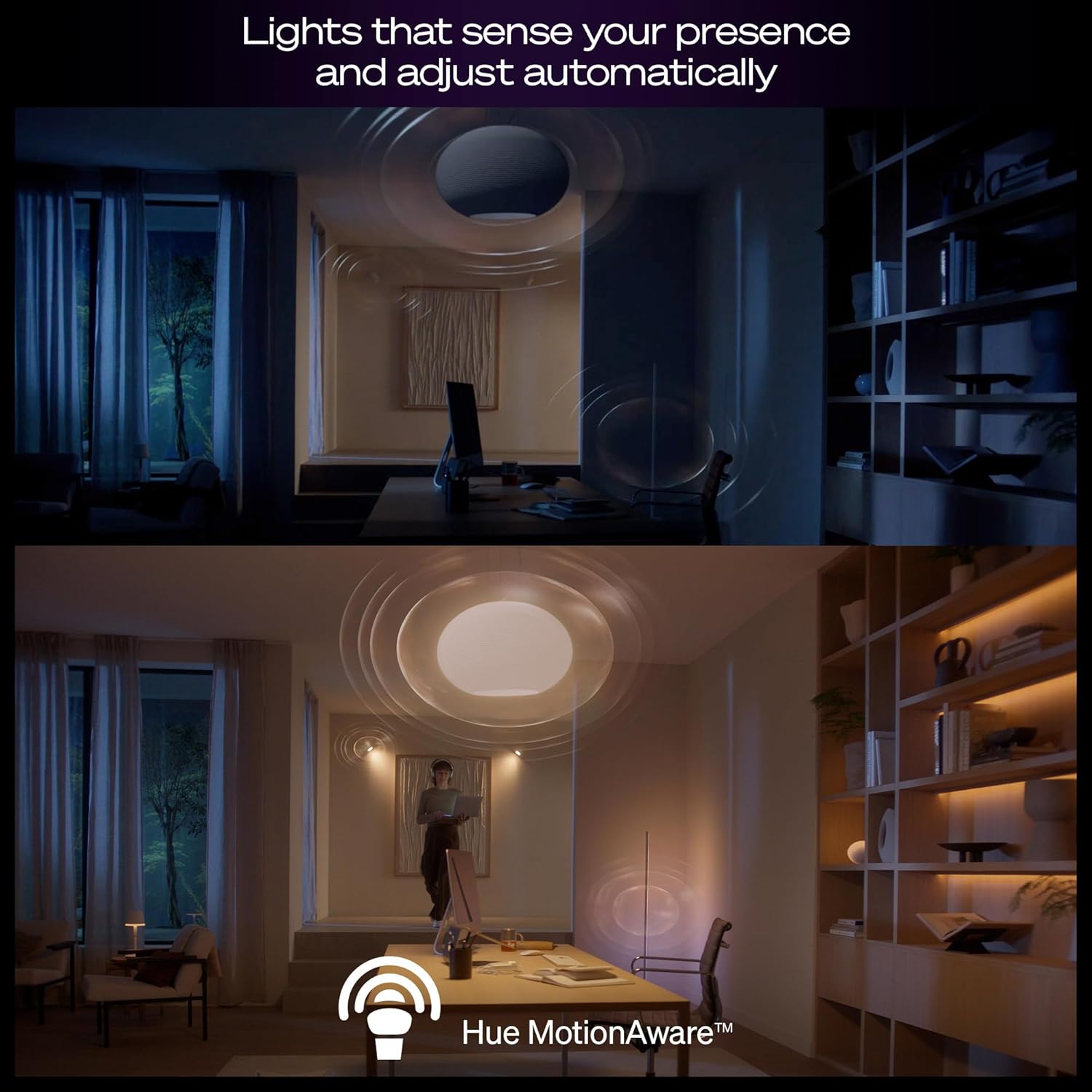
HUE MotionAware: Program your lights to switch on automatically when movement is detected; all you need are 3 Hue devices with no separate motion sensors required.
MORE FEATURES: Add a Bridge to unlock Hue Sync lighting, security integration, and capacity to store 500 scenes and more automations for convenience
WHITE AND COLOR AMBIANCE: With tunable warm-to-cool white light and 16 million colors to choose from, find the perfect light for every mood.
CUSTOMIZABLE CONTROLS: Light your home the way you like using three color-capable A19 E26 LED smart bulbs and a smart button with fully customizable controls.
6 reviews for Philips Hue Starter Kit: Bridge Pro + 3 A19 E26 Smart Bulbs + Button, White & Color Ambiance, Smart Light Hub, Works with Apple Home, Alexa, Google, Samsung SmartThings
Add a review
Related Products


$219.99

Porfie –
Phillips hue bridge pro bundle
Philips has unveiled the Hue Bridge Pro, a major upgrade to its smart lighting hub.At the heart of the new Bridge is the Hue Chip Pro, featuring a quad-core Cortex processor running at 1.7GHz, 8GB of eMMC storage, and 8GB of RAM. This marks a significant jump in processing power, enabling more advanced features and smoother performance across a larger smart home setup.The Bridge Pro supports up to 150 lights, 50 accessories, and 500 scenes simultaneously, expanding the scale of what a Hue system can handle. Connectivity is also more flexible than before: in addition to Ethernet, the device now works over Wi-Fi, removing the need for it to be tethered to a router. Power delivery has been modernized as well, with a switch to USB-C.One of the most notable additions is MotionAwareâ¢, a feature that uses radio frequency (RF) sensing to detect motion by analyzing Zigbee signal changes between bulbs. With at least three Hue bulbs in a room, the system can interpret movement patternsâsuch as people walking between roomsâwithout the need for external motion sensors. Philips says the feature is compatible with about 95% of Hue products manufactured after 2014.For existing users, Philips has added a migration tool within the Hue app, making it possible to transfer lights, accessories, settings, and scenes from an older Bridge to the Pro with just a few clicks.The Hue Bridge Pro represents more than just a hardware refresh. By combining increased processing power, broader system support, and RF-based motion detection, it positions Hue as not just a smart lighting solution but as a more intelligent and responsive home automation platform.Also included is 3 hue smart lights and the tap dial switch which allows you to customize 4 different buttons and dim your lights by rotating the dial for one room you pick.No issues migrating from old hue bridge to hue bridge pro. Everything transferred seamlessly. The only issue I had was having to reconnect my Apple HomeKit through the hue app with matter. This caused me to lose my HomeKit settings but thankfully I was able to retain the rooms and light names in HomeKit. This made it so much easier than having to add from scratch. I had to add all the lights again, but was able to just assign them to the previous rooms and light names. I recommend not messing with HomeKit till after you migrate. Love the WiFi on this as now Iâm not required to be tethered with an Ethernet chord to the router.
KAR –
Keep your V2 Bridge
The âproâ bridge is crippled by bugs and missing critical features compared to the V2, as well as being ridiculously overpriced.
Dirty –
What Happen?
I recently purchased the new Bridge Pro primarily for its promised functionality, but my experience has been quite frustrating. While the Hue App seemed user-friendly, the installation and connection to my smart ecosystem have been anything but easy.I’ve spent a considerable amount of time troubleshooting on my own, especially since Philips Hue does not offer phone customer service on weekends, which has added to my frustration.Additionally, although the product claims compatibility with Apple and Matter, I have found that it has not been functioning outside the Hue App over the past 24 hours. I hope these issues can be addressed, as I was really looking forward to integrating this into my smart home setup.
Rick G –
Program, control, save… with ease!
We have several lamps that don’t have switches in our finished basement. We formerly used the old Phillips bridge in our old house; however we do not have a wired connection downstairs. This new Kit was the solution!The new wi-fi capability made it all possible. We re-used our old bulbs (without QR codes) and even added in some new ones from the kit and it all came together flawlessly. Both bulbs were compatible as described and easy to program using the App on our smartphone.If you have teenagers you can just share all your programming with them to get them to turn off the lights!The quality of the light is nice and dimmable and color choice is a great option. Or if you’re not interested they have pre-programmed settings to imitate normal light settings (<3000 and >5000).The cost of these bulbs have already paid for themselves. We have been using these since 2017 and have not had one die on us yet.
Star Mountain –
New Hue Bridge Pro
I recently purchased a Hue Bridge Pro and it was challenging to add it to my system. Most of my lights transferred quickly, although I did have to get help from Hue (Signify) to get everything back to normal with the addition of a few lights that did not transfer. Deleting them and then adding them back with either scanning the QR code or the code for each light took care of adding them to the Bridge Pro. Luckily it was during the week and Hue (Signify) was open and available for tech support. Once finished the Hue App controlled all of mylights and scenes and was very stable.
VitaminSEA –
Avoid Switching from Hue Bridge v2!!!
Absolutely horrendous experience “upgrading” from the old Hue Bridge to the supposedly new and improved Hue Bridge Pro.It will take you DAYS to remove each and every bulb to scan the QR codes to “reconnect” each bulb, recreate each room and zone and this is AFTER doing the supposed Migration function.Absolutely horrible design, and I can’t believe Phillips shipped this absolute garbage after 10 years since the last bridge came out – having all that time to make it a good user experience.If you have an old Hue Bridge whether version 1 or 2 do not get the bridge pro. Maybe wait for v2 of this one and see if they managed to get it right.