
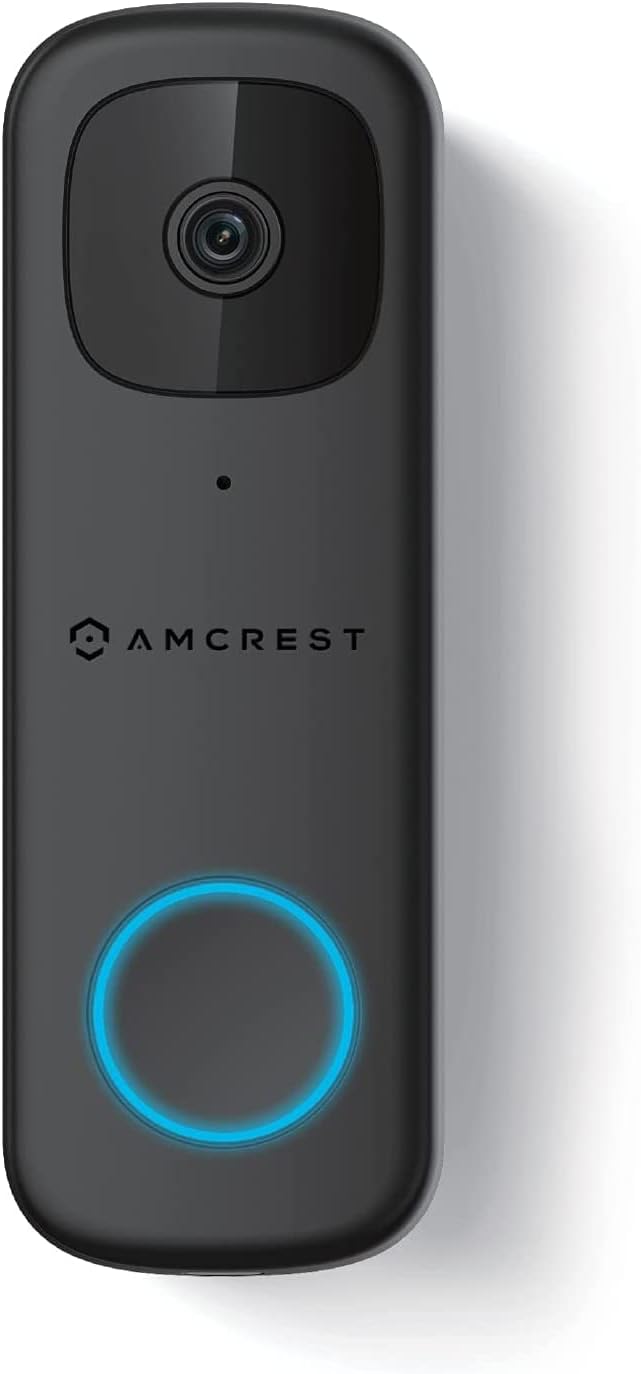
Amcrest 4MP Video Doorbell Camera Pro, Outdoor Smart Home 2.4GHz and 5GHz Wireless WiFi, Micro SD Card, AI Human Detection, IP65 Weatherproof, 2-Way Audio, 164º Wide-Angle Wi-Fi AD410
$149.99



Price: $149.99
(as of Sep 21, 2025 15:41:38 UTC – Details)
From the brand


Outdoor PoE Cameras
Wi-Fi Cameras
Security Systems
SmartHome Security Cameras
Webcams

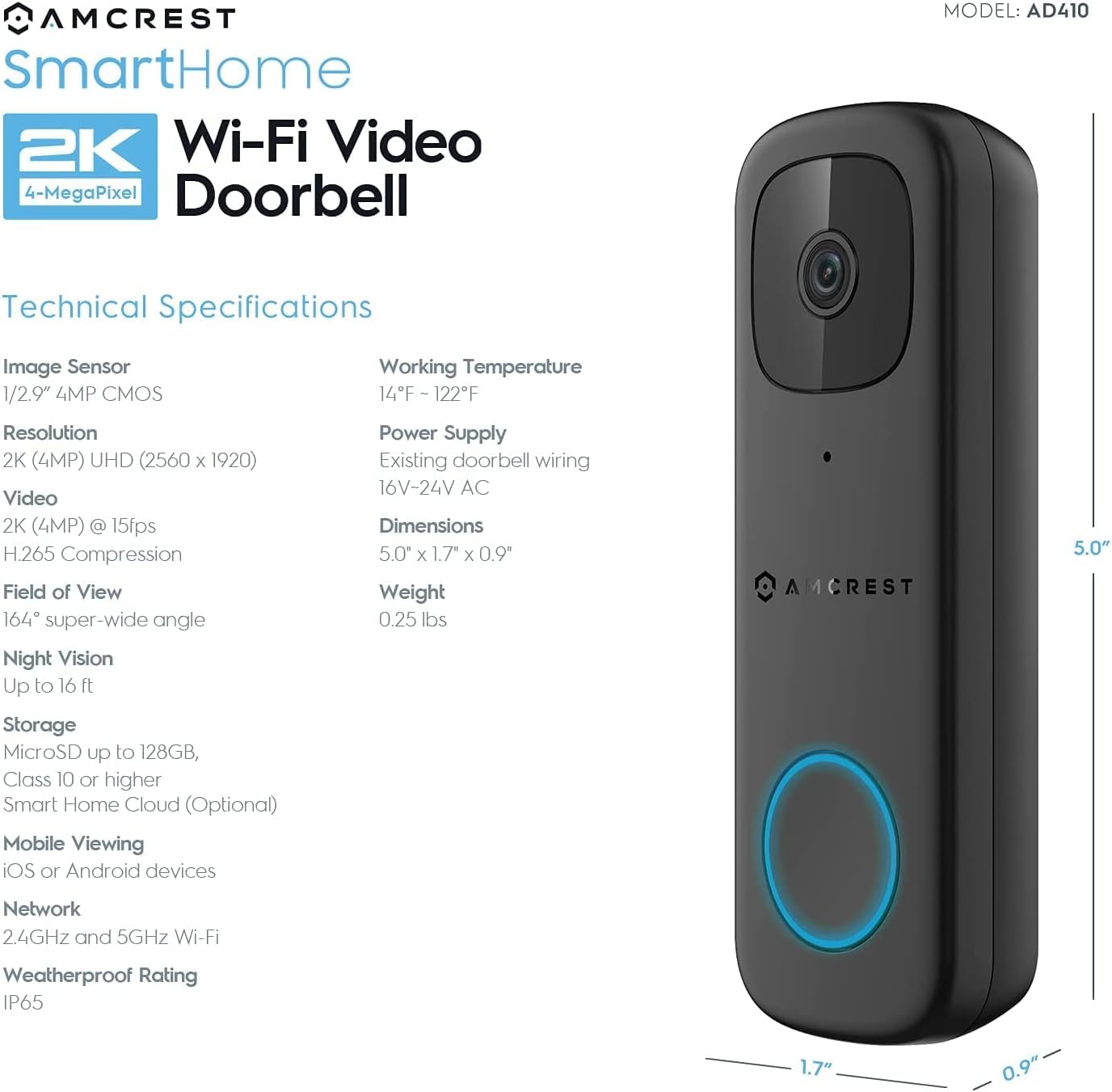
The Amcrest Video Doorbell Camera is powered by using your home’s existing doorbell wiring (16V-24V) and is compatible with existing traditional mechanical and electronic digital chimes to provide surveillance of all front door activity in high definition 2K (4-Megapixel) resolution. This home security camera features an extra-wide 164° viewing angle allowing you to cover every angle. This doorbell is not battery powered. This product may contain components that are not NDAA compliant.
Built in microphone and speaker allows for two-way audio and makes it easier to talk to visitors without having to get up and answer the door. The Amcrest Video Doorbell Camera is RTSP stream compatible. Includes 1 x 4-Megapixel Doorbell Camera, 1 x Corner Bracket, 1 x Wedge Bracket & Installation Tools.
Our WiFi Doorbell Camera works with dualband Wi-Fi Networks (2.4GHz & 5Ghz). Built in night vision allows you to see in the dark, up to 16 feet away. Human Detection that allows the doorbell to only send motion notifications if a human figure is detected. This is useful to avoid false alerts front unwanted objects such as trees, birds, cars, or any other unwanted objects. Human detection can be used without having to enable the motion detection toggle switch.
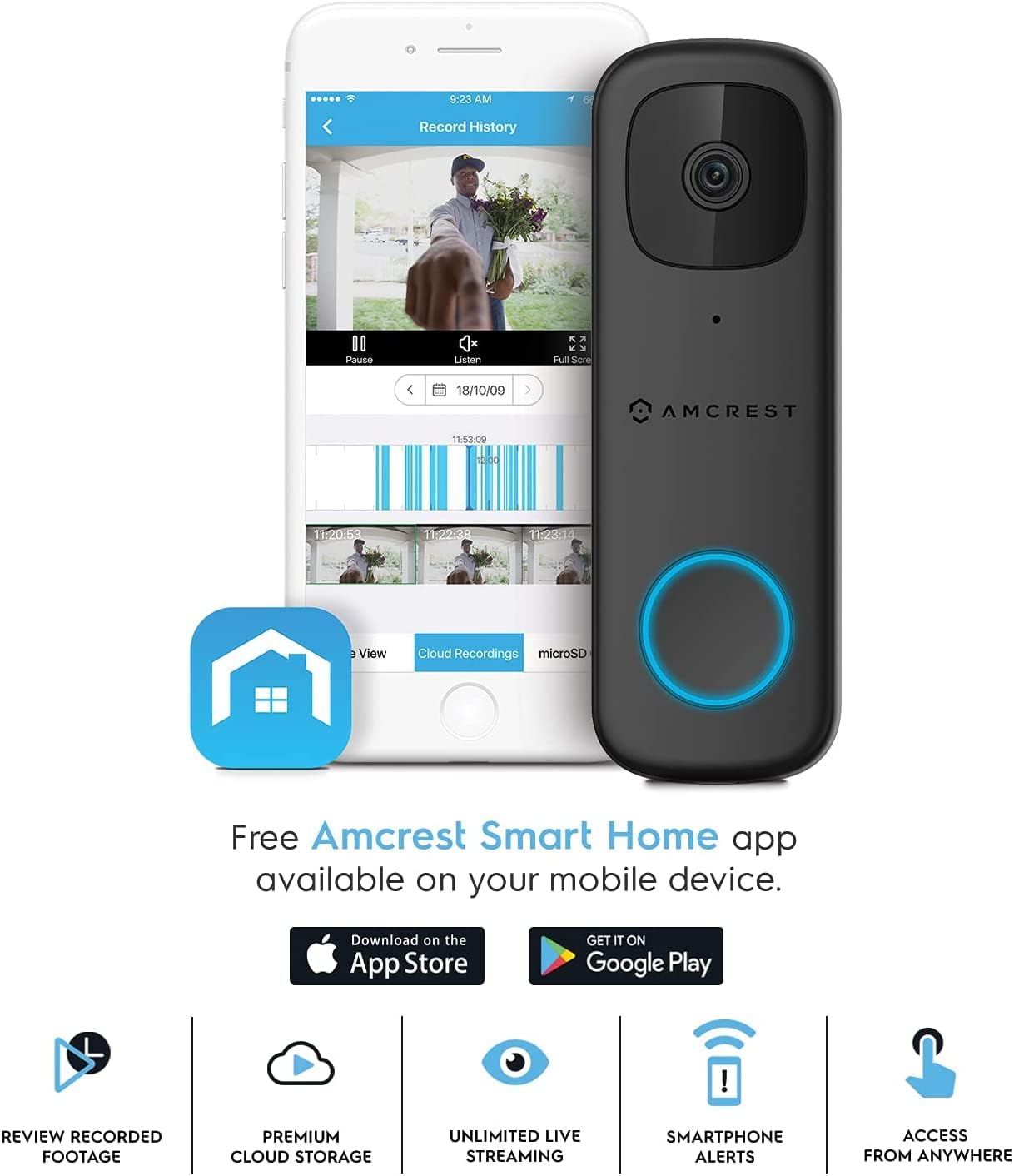
Motion Sensor lets you receive motion detection alerts via push notifications and instantly review recorded footage directly from your smartphone using the Amcrest Smart Home app. Securely store your HD footage to the Amcrest Smart Home Cloud or store directly to a class 10 MicroSD card up to 128GB. (MicroSD Card Not Included, Limited compatibility with Amcrest View Pro, Not compatible with Amcrest Cloud).
At Amcrest, you’ll receive a full 1-year US Warranty and Lifetime technical support provided directly from Amcrest. You will also receive a 1-Year Free SmartHome Cloud Subscription. The Amcrest SmartHome WiFi Video Doorbell Camera works with the Amcrest SmartHome Deterrent Camera (ASIN: B07WK8FH3X), SmartHome PT Camera (ASIN: B0831TQHMP, B0821Q23GF) & SmartHome Outdoor Camera (ASIN: B0835WQHZY, B083TLW9JL). Compatible with any 16V, 30VA Doorbell Transformer ASIN: B001POBN92.
Customers say
Customers find the doorbell camera’s picture quality excellent, with sharp video that works well both day and night, and appreciate its ease of installation. The connectivity receives mixed feedback – while it works well with Synology Surveillance Station and Amcrest NVR, some customers report it won’t connect at all. Moreover, the lifespan is concerning, with many units breaking after 18 months of use. Additionally, the chime response and motion detection features receive mixed reviews, with some praising the external chime while others report it doesn’t trigger indoor chimes, and while motion detection is generally good, some find it too sensitive.
2 reviews for Amcrest 4MP Video Doorbell Camera Pro, Outdoor Smart Home 2.4GHz and 5GHz Wireless WiFi, Micro SD Card, AI Human Detection, IP65 Weatherproof, 2-Way Audio, 164º Wide-Angle Wi-Fi AD410
Add a review
Related Products


$149.99

Dan B –
Much clearer than Ring or Nest and much easier to get working with Blue Iris
This is the third video doorbell I’ve installed. I started with Ring, switched to Nest, and now have gone with the AD410. Ring and Nest were pretty much equivalent, but I have Google hubs in my house, and Nest works better with those. Installation of all three doorbells was pretty easy. I will say the Amcrest had a simpler chime module than Nest. Nest required some re-routing of wires in the chime fixture, while Amcrest only attached alongside existing wires.However, the AD410 is better than either. At 4MP resolution the image is much clearer. On top of that, the colors and vibrancy is better. I attached two screen caps as examples, one from Nest and one from Amcrest. Both of these are zoom-ins to a tiny portion of the the full capture like you might do to see a license plate number to highlight the difference in image quality. The Nest image is unusable, but with the Amcrest you can clearly read the letters on the stop sign.The final big difference, and the reason I switched to the AD410, is I use Blue Iris camera software with other wired cameras in my house. I was able to figure out how to get a video feed from the Nest into Blue Iris, but it took a lot of finagling. It took a lot of research to figure this out as Google doesn’t tell you how to do it. You have to grant API access to in your Google account, and this doesn’t work with a GSuite GMail account like I have. However, I got it working with a secondary account. Unfortunately, once you get it working it is not great. There’s a delay of something like 10-15 seconds on the feed (I guess since it goes to Google cloud before going to Blue Iris), which makes matching up video feeds from different cameras very annoying. Plus, the feed regularly cuts out (again, I assume something with Google cloud access availability).The AD410 worked just like a wired camera. Amcrest’s site gives clear simple explanations of how to do it, and they worked the first time. There is no delay in the video feed at all. It is definitely a total win over the Nest or Ring cameras.My only complaint might be that the motion detection on the camera is VERY sensitive. This may be due to the better resolution. There is a slider in the app which lets you control the sensitivity, but even with it turned all the way down I get constant motion triggers on cars driving on a cross street that happens to be in the camera’s view. Nest never triggered on this, probably because the street was an indistinct mush as you can see. I tried playing with the camera motion zones which reduced this, but I still get triggers for car headlights at night which light up outside the areas I had masked off. I will continue to fiddle with it. Fortunately, the camera does provide great “human” detection which is really all I need anyway.
Johnathan Campbell –
UPDATE: Died again, zero stars. Died after less than 6 months. UPDATE: 4.5 rounded to 5
Update 1-11-24Died completely again. Pushing the button makes it turn off after a brief tone. Then it power cycles and comes back up after about 90 seconds. I MADE SURE the transformer was one that Amcrest agreed would be compatible. This is really disappointing. My entire camera system is Amcrest and over all I have had little problems. But this doorbell of theirs is just terrible. I mean two dead units after nearly identical usage times? DISAPOINTED! WOULD NOT RECOMMEND!Update 3-2-22So the RMA process was somewhat lengthy. To forestall any problems with my transformer I bought one that they recommended and wired it in. It is working for now. The troubleshooting process only stopped when I took said transformer and wired it directly to the doorbell and it still not working. Before that I was given 3 different firmwares, told to wait a day (several times) for the capacitors to charge, turn off nightvision etc etc. That was somewhat annoying but understandable. The RMA had a quick turn around even if it did take 3 days to get to them.New unit is working as good as the first one was in the beginning. So we will have to wait and see. 4.5 stars atm rounded up to 5.I was at 8.75/10 now I’m at 2/10Worked very well for about 5 months before it started giving me problems. Now it won’t stay on if you push the button. Video attached.Camera quality is decent. Field of view is really good.i just wish there was a plate that allowed for angling DOWN the unit as I get tons of sky with my doorbell placement.Nightvision isn’t fantastic but pretty good once people are in range. I always have lights on so I never use save for testing.App integration was easy and it hooked up easy to my BlueIris software. Motion sensing with the amcrest app was pretty good. Got lots of cat alerts as humans though.The two way talk feature is very adequate. Not perfect sounding but you don’t need high fedility audio to tell the delivery driver NOT to put the electronics near the sprinklers….Anyway I’ve started the RMA process after a lengthy series of emails to tech support. We will see how that goes svs I will update about that.