

Bosch Thermotechnology Bosch Connected BCC50 Wi-Fi Thermostat-Compatible with Alexa and Google Assistant, All-in-One, Touch Screen, Safety Control, Smart Home, White
Original price was: $119.99.$44.99Current price is: $44.99.


Price: $119.99 - $44.99
(as of Aug 10, 2025 09:31:09 UTC – Details)
“The Bosch Connected Control BCC50 Thermostat is compatible with the majority of 24VAC heating and cooling equipment to help you save energy and money. Easily control your home’s temperature from the intuitive interface using the 5 back-lit touch buttons, the Bosch Connected Control smartphone app or your voice with the Bosch Connected Control Alexa Smart Home Skill and your Alexa-enabled smart devices or with google assistant. The Bosch Connected Control BCC50 Thermostat blends into any room by automatically turning off the backlit touch buttons when not in use and displaying only the essential temperature information on the screen. The Bosch Connected Control app allows you to remotely control all of your thermostat’s settings. It also allows you to adjust your schedule on-the-go or set it to vacation mode to save energy while you’re away. You can also connect an unlimited number of thermostats and manage up to 4 schedules per thermostat. This is a perfect solution to help you achieve maximum comfort with minimum effort! “
CONNECTIVITY: Connect to your HVAC equipment from anywhere
AUTO-ON SAFETY CONTROL: Keep your home safe using app alerts & auto-on feature
SLEEK DESIGN WITH TOUCH BUTTONS: Sleek design that will look great in your home, with 5 bright illuminated touch buttons & color screen
HVAC FILTER REMINDER: Get alerts when its time to replace your system’s air filter
PROGRAMMABLE: Follows up to 4 preset or user-defined schedules to help you save energy and money
COMPATIBILITY: Compatible with majority of HVAC systems (C-WIRE REQUIRED)
SMART DEVICE ENABLED: Works with Google Home or Alexa
Customers say
Customers find the thermostat easy to set up and appreciate its functionality, with one noting it works well with Google and Alexa. They like its appearance and quality, and one mentions it’s straightforward to wire. However, the Wi-Fi connectivity is problematic, with customers reporting it disconnects randomly. Moreover, the temperature control receives mixed feedback – while some praise it, others say it doesn’t meet target temperatures. Additionally, customers find it difficult to use and consider it a waste of money.
9 reviews for Bosch Thermotechnology Bosch Connected BCC50 Wi-Fi Thermostat-Compatible with Alexa and Google Assistant, All-in-One, Touch Screen, Safety Control, Smart Home, White
Add a review
Related Products
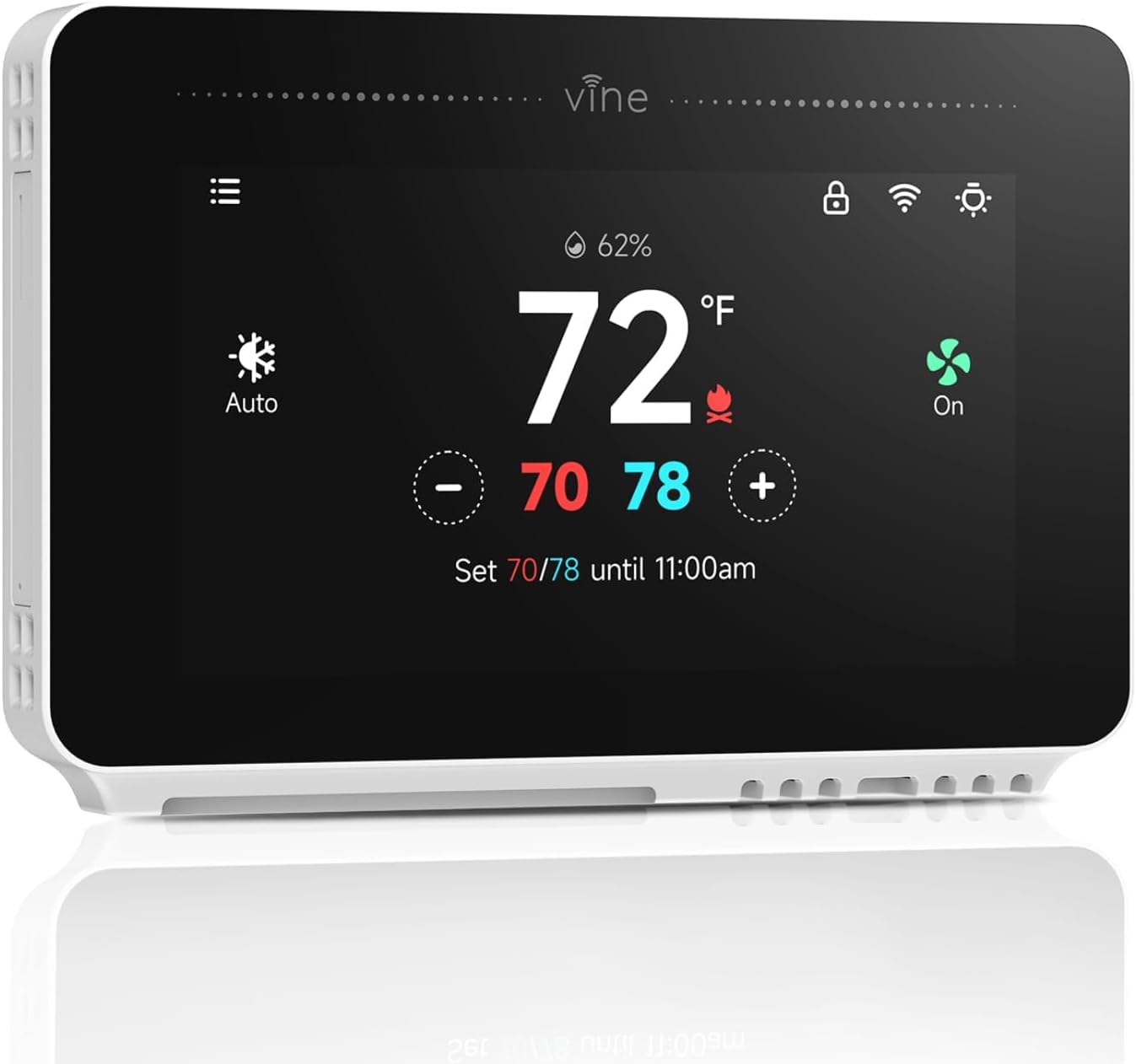


Original price was: $119.99.$44.99Current price is: $44.99.

Owl –
Great Look and Functionality
My expectations were low on this product, given the mixed product reviews it received. Once installed, it was easy to set up. As with all things wifi related, you have to be a little bit patient. I installed one of these and the one that is further from the router was not getting consistent signal, so, I moved the router a bit and it works seamlessly. I like this as opposed to the Nest because Bosch is not part of a huge tech company collecting all of my data and the unit looks more residential than the Nest.
Paul Snyder –
Device frequently/always wonât connect via Wi-Fi- terrible!!!
Update 12/2020 – eventually reconnected but this device is GARBAGE. Literally 90% of the time it is unable to connect to wifi. Iâve replaced multiple units so itâs not the unit itself, Bosch has a Wi-Fi firmware issue and needs to correct it. Totally useless device. DO NOT BUY!!Update 8/2020 – The unit is now completely unable to connect to WiFi. It was working and now will not connect. I think a recent firmware update from Bosch bricked the unit. The replacement device also wonât connect. Only had this 3 months. Going to return and get a honeywellI bought this unit because I wanted a smart thermostat and this was for the best looking one I could find.Pros:⢠Looks great – blends into the wall – neat and uncluttered⢠Easy to install even the app was pretty straightforward despite the negative reviews on here⢠Ability to control multiple detailed features (more on that later)â¢Customer support is good and helpfulCons:â¢App SW (version 1.2.0) will not update. The device shows it has the right version but the app continually shows an older version 1.1.0 and that an update is available. Clicking that update doesnât change what is shown on the app and the app still shows an update is available. Called tech support and they donât know why. So Iâm not sure what to do but itâs a minor annoyance.⢠Limits on Minimum run time – I donât like my AC to run for any less than 15 or 20 minutes to maintain a set temp. This is to prevent short cycling. From the advanced settings I can adjust the minimum run time, but only to 10 minutes. Can you please update this in a new firmware version to something longer like 20?⢠Too sensitive – the unit reacts/turns on to very small changes past the set point vs waiting till a full degree has passed before kicking on. This is a problem if you donât want short cycling. You CAN correct this by changing the zero band (deadband setting) higher but it seems to be that it should just be less sensitive from the factory IMO⢠Speaking of sensitivity, the ability to change the âsensitivityâ feature seems to have no effect/does nothing. I turned it up to 9 (max) to prevent the AC from cycling so often but it doesnât seem to make a difference⢠App always takes you back to home screen after a while of timeout. Why? Why not set the default home screen to the temp setting?So far I like the unit. But Iâve had to tinker and adjust advanced settings so it doesnât kick on and off a whole ton
Amazon Customer –
DIY-ERS MUST READ! THIS REVIEW WILL HELP YOU!
Love this thermostat! The look is sleek and stylish and it is very easy to use once you know what to do. Read for help on instructionsâ¦1) For iPhone, when you are connecting it to WiFi and to your phone-make sure you allow it to access the local network or it will never connect. Your phone will initially ask you but if you accidentally deny it (like I did) you go to Settings>Privacy>Local Network>Click on for Bosch. Not sure how it works for Android but Iâm sure thereâs something similar.2)Make sure you are NOT on 5G wi-fi. Use 2.4 (or regular) or google how to not use 5G. My internet service provides both so it was easy for me.4) Installation was easy. See pictures for my old t-stat wiring and how itâs wired to this t-stat.3) Follow the pictures in this review to make sure it is configured to your type of unit. If you donât know then call someone who can figure it out OR google how to figure it out on your own. When I initially installed this t-stat, it was blowing cold air on the heat setting and cool setting. (Both worked fine with old t-stat so I knew my unit wasnât the issue.) Once I had googled enough to figure out where to look and what to do (there arenât many forums for this or Bosch in general so it wasnât easy to find which is why Iâm giving this review) I got into the advanced settings and figured out that the t-stat defaulted to a dual fuel 1/1 stage unit which is not what I have. Once I changed that to an electric 1/1 unit everything is working perfectly. Follow pictures for the needed codes to check this. This is also where you add function for humidifier/dehumidifier units.Bosch should have definitely put some of this info in their instructions or troubleshooting so shame on them, but I hope this helps someone!! It really is a good t-stat and I just love the look as Iâm currently remodeling the entire house. Now, if I didnât have to drag out the 5 gallon bucket of paint and touch up the wall from the shape of the old t-stat, my HVAC life would be perfect!!
Mr. D. –
Good controller simple setup great customer support
This controller has most lacking feature on some of other well named models. I needed a controller that I can have more than 4 schedules per day. You can have up to 8 schedules a day for each day if you want (meaning you can have it change the temperature 8 times a day). You can also have 5 different preset schedules. Once you set the schedule you can easily copy that schedule to other days of the week. It has auto change over from heat to cold, or you can choose only heat or only cold. Fan can be on Auto, always On or on schedule. It has Accessory option such as humidifier or dehumidifier in advanced settings. To access advanced settings you need Professional Access Code which I have not needed for now.I had an issue with pesky message staying on my App with an update even after I had updated it. I wrote to their support and they took care of that right away.Installation was simple and easy. Interface is colorful and beautiful. One thing missing that I wish for is the ability to see past usage like in Nest thermostats.
Martin –
This stat worked great in previous house. In the new location I have the router about 12′ from the stat but there are a few walls in “the line of sight”. So no connection to the internet. Also I was unable to connect to advanced features to change Fahrenheit to Celsius. Phone and stat were connected through wifi , but even that stat said it is connected, app on the phone did not. So, fail for design. There should be a way to access all settings right from the stat. Shame.
Cristian Mura –
SconsiglioManuale tutto in ingleseAPP INESISTENTE
Dustin Shields –
I have replaced this after 3 months of use. Does not work with alexa in canada, which is what it was bought for.The app worked well, after a few tries through setup.lots of customizationNo alexa functionality.I will not buy again.I replaced with Honeywell T9
Rocky –
Item was difficult to install then worked great for a couple months and now doesn’t function. The app won’t work and the wall thermostat won’t connect to wifi. So at this point it’s useless.
Manish –
This is very good productOnly thing I canât connect with AlexaWorking perfectly fine