
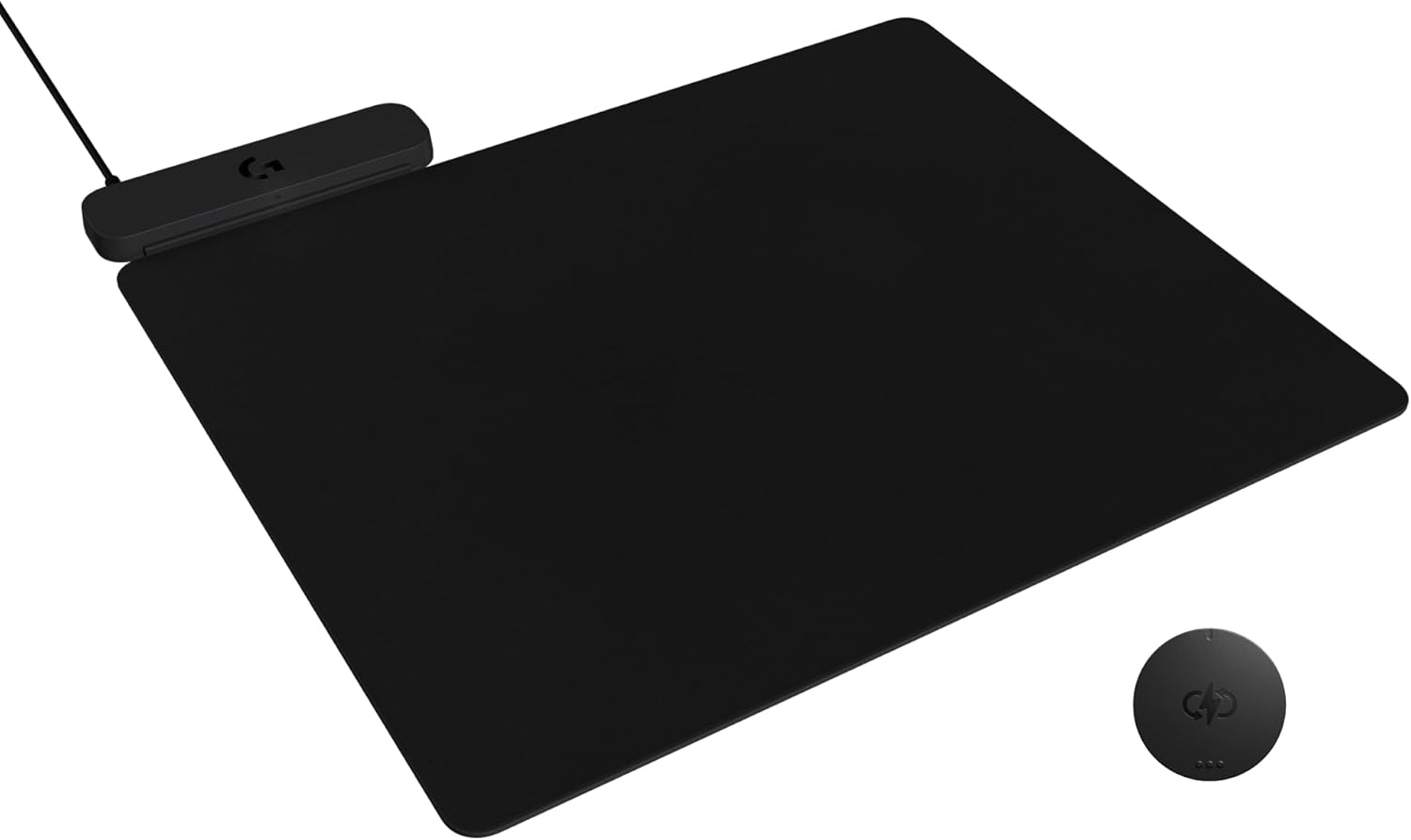
Logitech G POWERPLAY 2 Wireless Charging Mouse Pad for Compatible Gaming Mice, 34.5 X 28.4 cm (13.5 x 11.2 inches), 3.5 mm Height, for PC/Mac – Black
Original price was: $119.99.$99.99Current price is: $99.99.

Price: $119.99 - $99.99
(as of Sep 23, 2025 16:48:13 UTC – Details)
Enhance your gaming experience with Logitech G POWERPLAY 2, the continuous wireless charging system for gamers who prefer the freedom and performance of wireless gaming mice. Its revolutionary technology ensures your mouse is always charged, whether you’re actively playing, planning your next move, or AFK. Say goodbye to the days of mid-game interruptions due to a depleted battery. The POWERPLAY 2 gaming mouse pad is compatible with a growing list of current and future Logitech G mice, including the flagship G502 X Plus, options from the PRO line, and those with LIGHTSPEED 4KHz technology and beyond. Designed for easy integration into any gaming setup, this wireless charging mouse pad requires no additional software and works seamlessly across Windows and macOS platforms. The sleek 3.5mm profile of the wireless charging pad offers peak performance and prolonged comfort, so you can make the most of every session. With the Logitech POWERPLAY 2 wireless charging mat, your focus is on your game, never your battery.
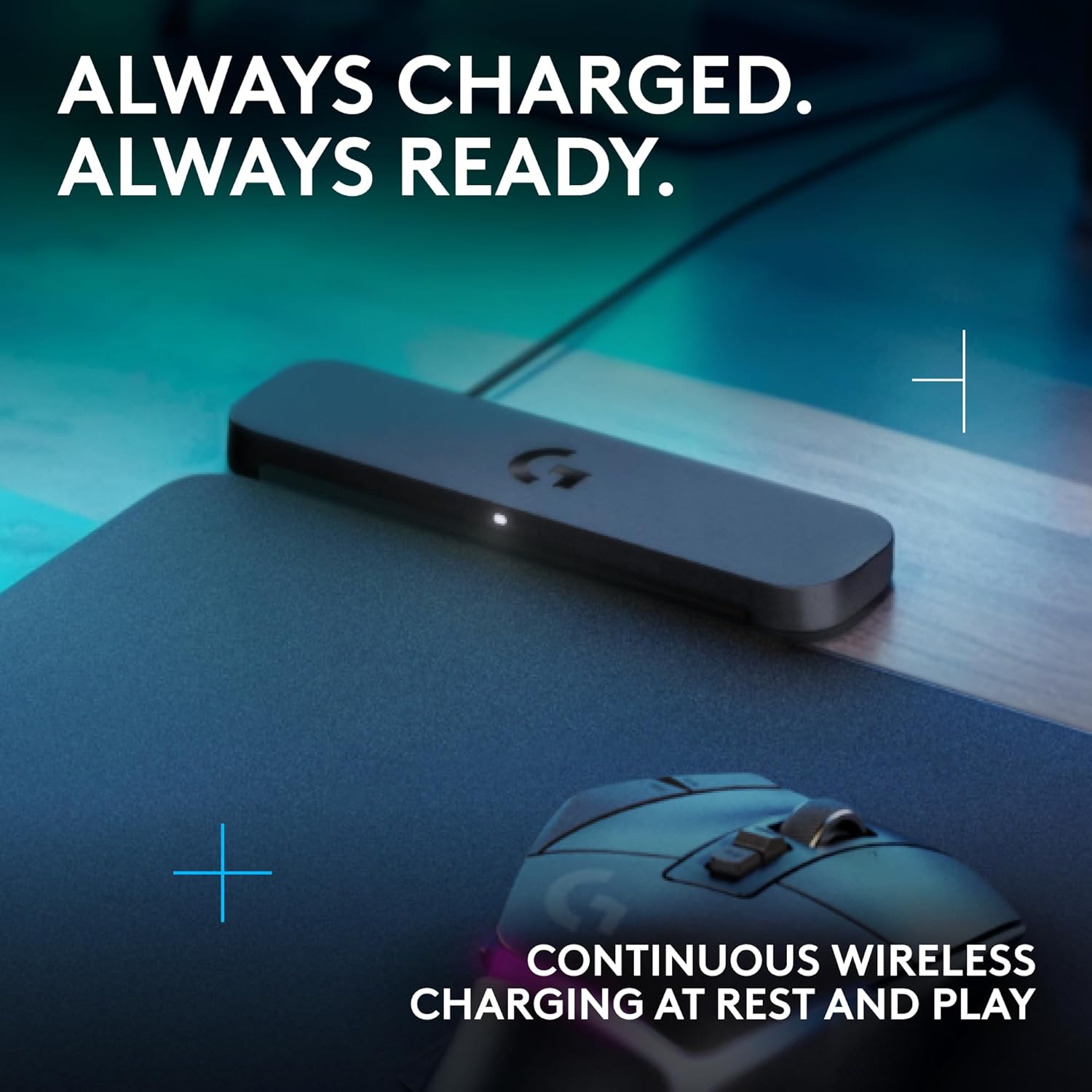
Non-Stop Wireless Charging: The POWERPLAY 2 gaming mouse pad features exclusive technology that continuously powers your compatible mouse while in motion and at rest, ensuring uninterrupted gaming
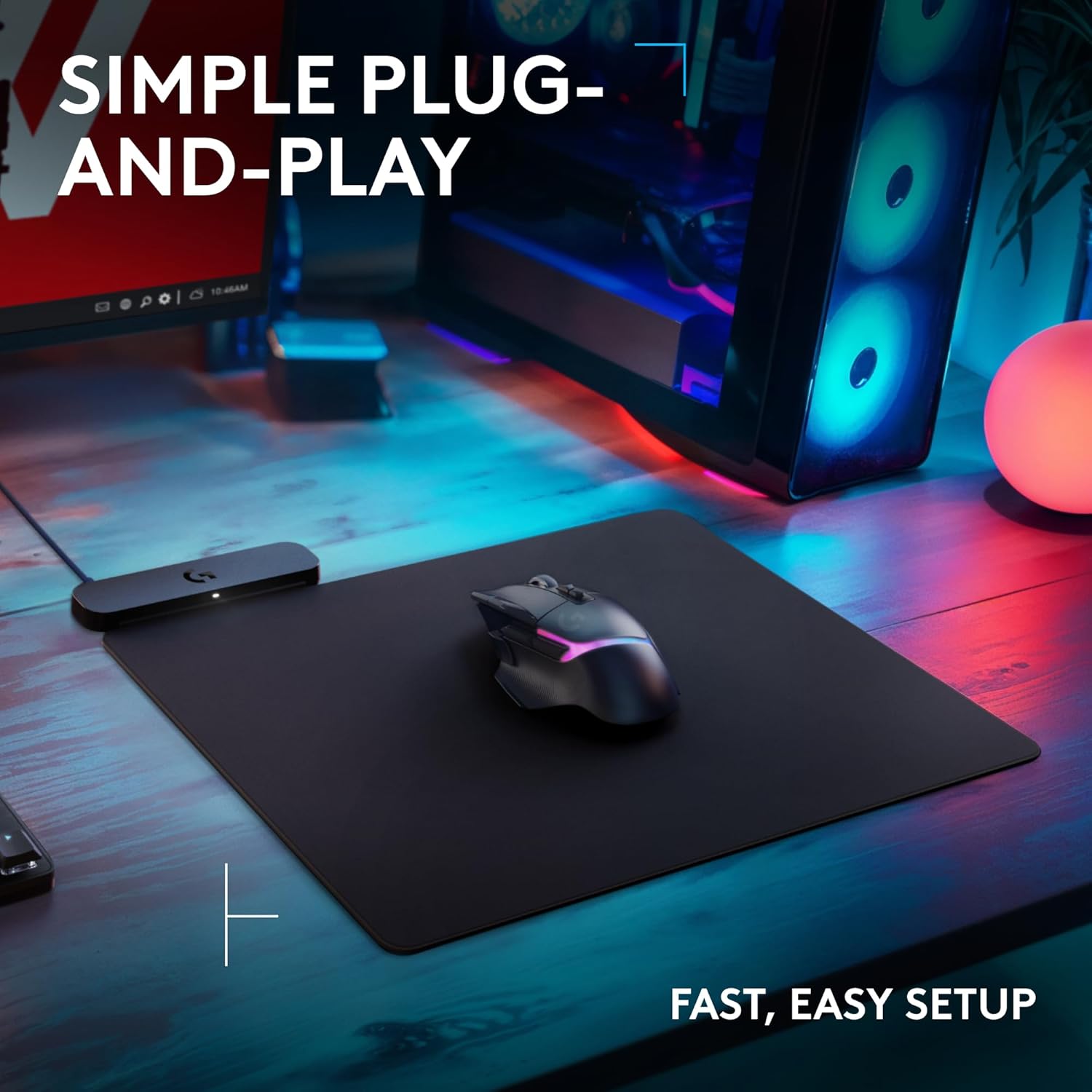
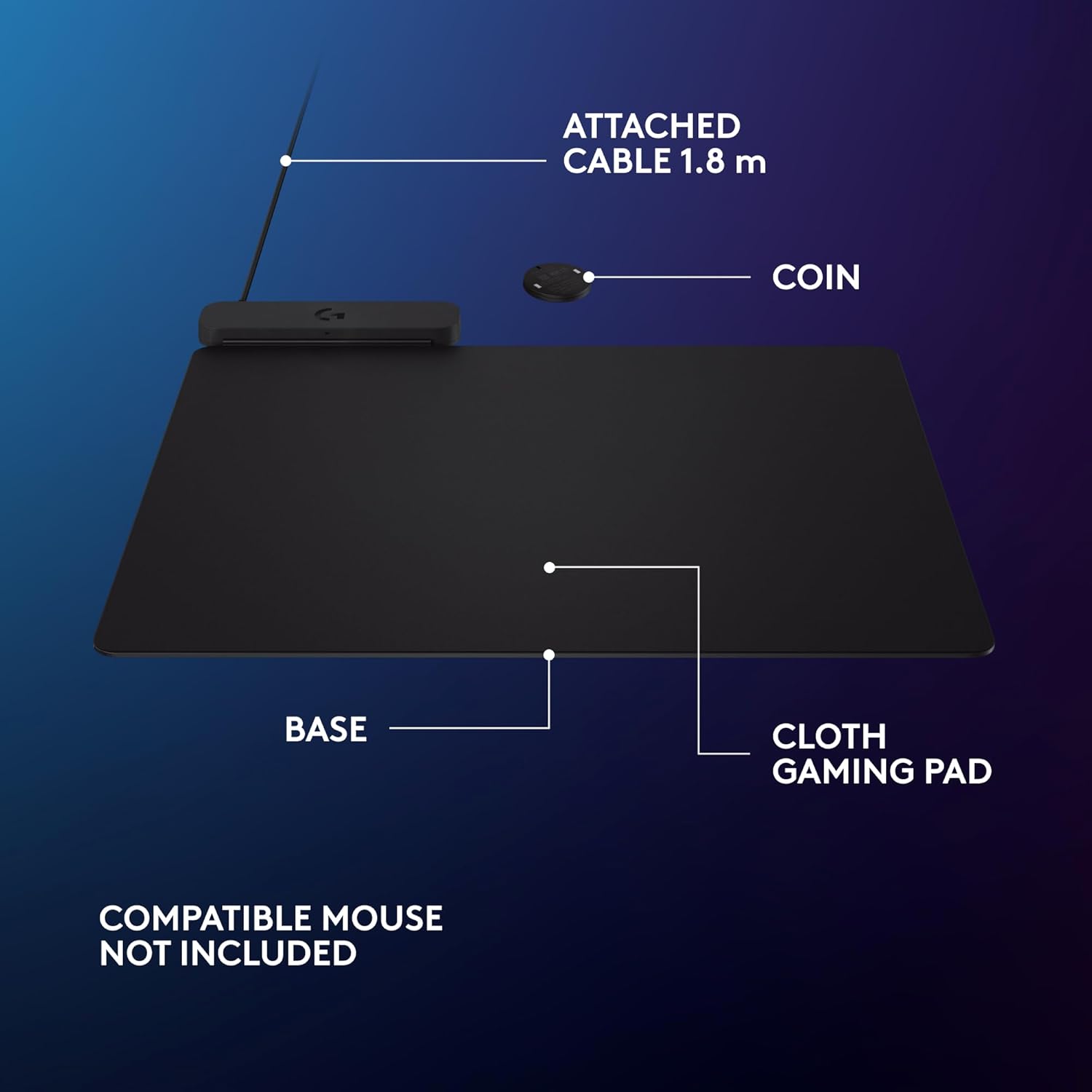
Plug, Power, Play: Connect the wireless charging system via USB-A cable to PC or power adapter, insert the Coin into your gaming mouse, and you’re forever untethered and ready for action
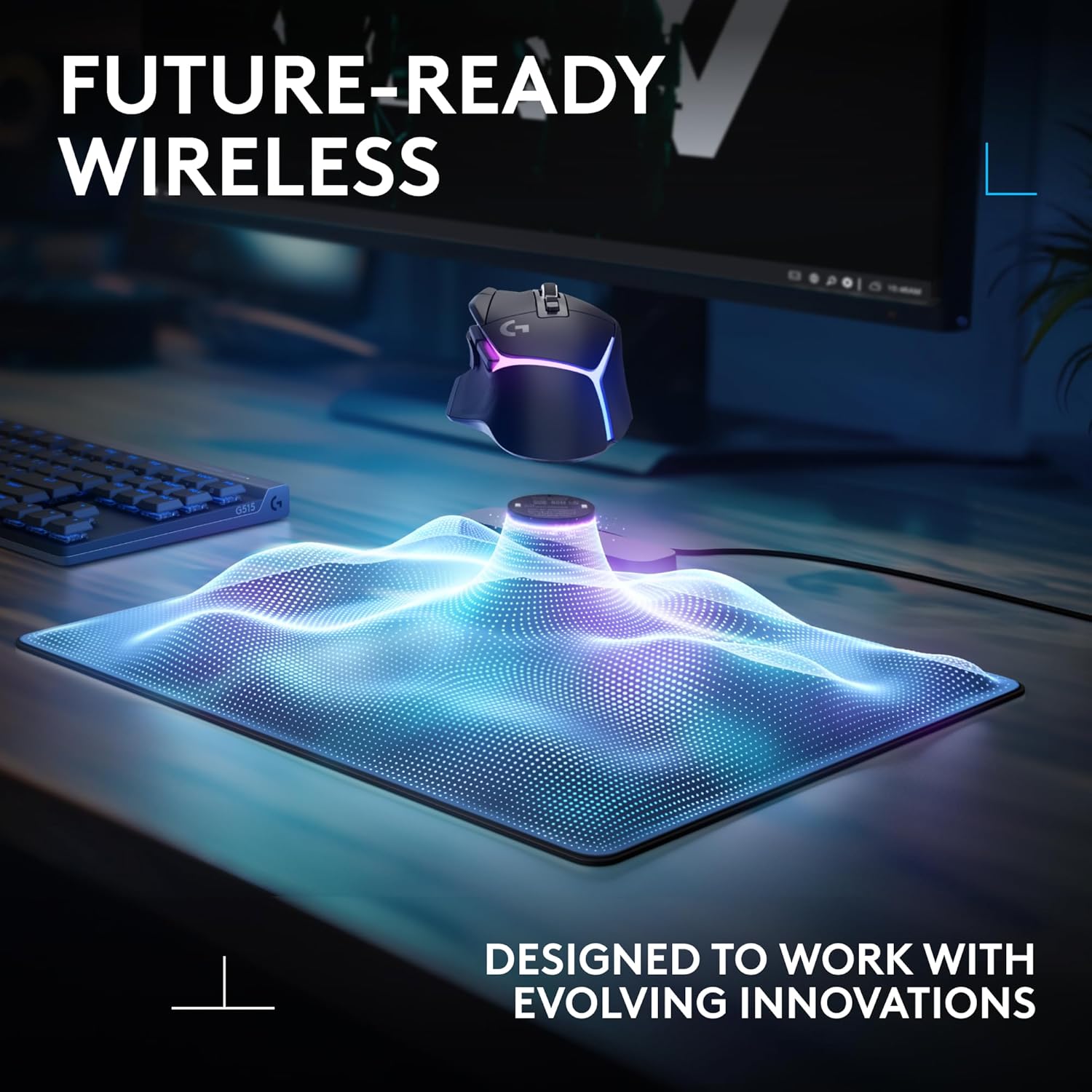
Future-Ready Wireless: Embrace evolution with the POWERPLAY 2, a wireless charging pad that’s fully compatible with all current and future Logitech G wireless tech, including LIGHTSPEED 4 KHz
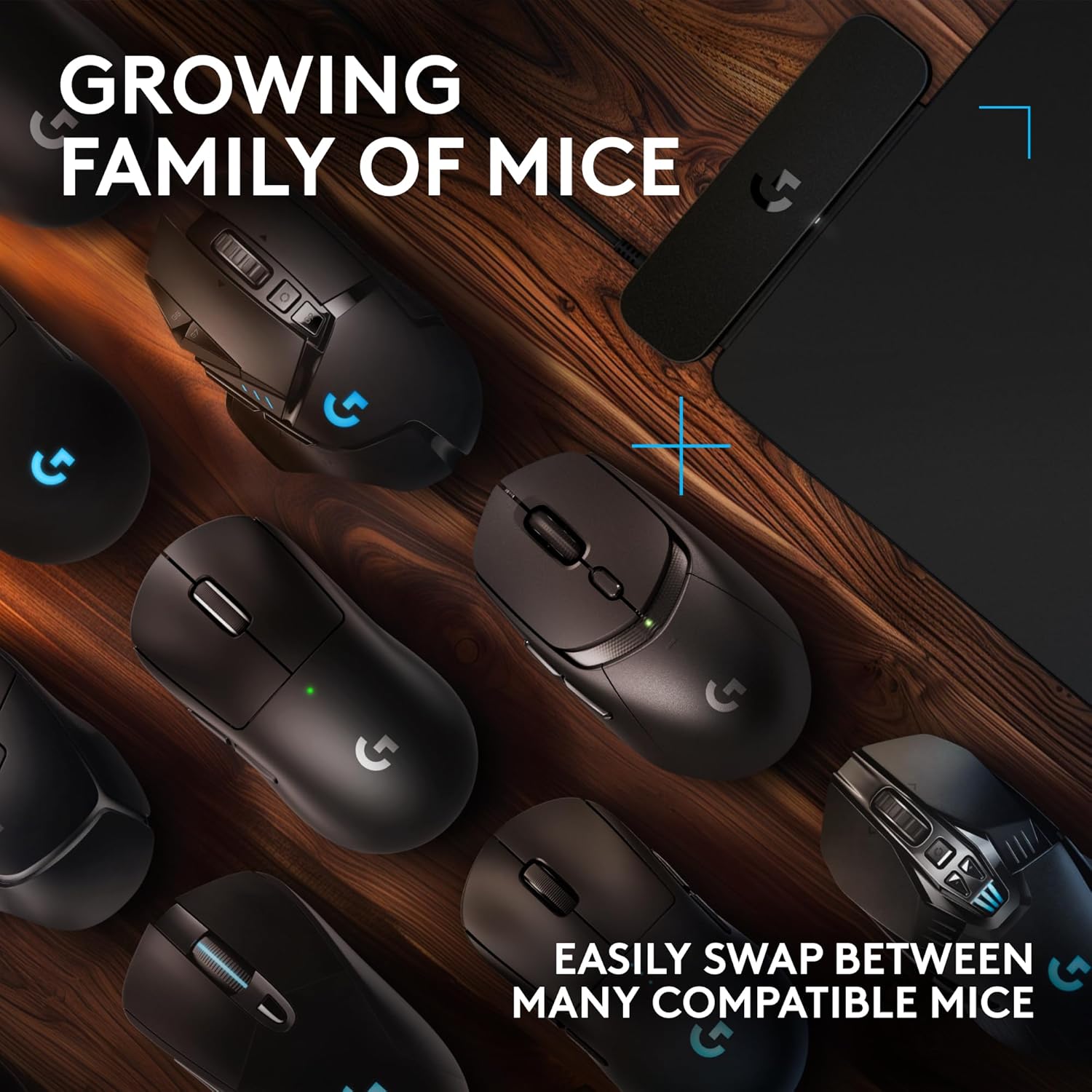
10+ Compatible Mice: Join the ever-expanding POWERPLAY family of Logitech G mice; with more on the horizon, you get your top pick in gaming mice
Sleek and Comfortable: With a slim 3.5 mm profile, this wireless charging mat is designed for peak performance and prolonged comfort, so you can make the most of every session
Customers say
Customers give mixed feedback about the mouse pad’s charging capacity, with some saying it keeps their mouse charged while others report issues with the Logitech mouse not charging. The wireless connectivity receives criticism for requiring two USB ports and not including a receiver. Moreover, the product’s functionality is problematic, with several customers reporting it stops working after 20 hours of use. Additionally, customers find it not worth the price and express dissatisfaction with the lack of RGB lighting. The material removal feature is positive, with one customer noting it’s easy to remove for washing. The size receives mixed reactions, with some finding it very good while others consider it small.
13 reviews for Logitech G POWERPLAY 2 Wireless Charging Mouse Pad for Compatible Gaming Mice, 34.5 X 28.4 cm (13.5 x 11.2 inches), 3.5 mm Height, for PC/Mac – Black
Add a review
Related Products


Original price was: $119.99.$99.99Current price is: $99.99.

Danny Lim –
Excellent lightspeed wireless charging mouse pad!
-Excellent wireless charging mouse pad-It’s compatible with most Logitech lightspeed wireless mouse, as long as you inserted the Powerplay coin which is included out of the box-cloth mouse pad itself is slightly thinner than its predecessor-However, it doesn’t come with built-in receiver, nor it doesn’t come with RGB lighting which you will need to use your own lightspeed USB dongle receiver in order to take of wireless capability, regardless the mouse you’re using.-Other than that, it’s working perfectly, easy to setup, and had no issue with battery life and input lag!
Vicki Bartle –
Downgrade from original
flimsy and cheap feeling, No programmable LED (minor), No longer includes a wireless dongle (major issue), You need to use two USB ports now, one for the mat and one for the mouse. Not readable to G Hub (minor annoyance). Not backwards compatible (coin doesn’t work on Powerplay 1 mats).This will not replace the original and will probably end up in a drawer or I’ll send it back. Either way, it’s really not worth the cost.I’ll rate this a 1/10 and probably closer to 0.5/10 for all the downgrades.
Alex –
Read for a TL;DR
Good product, I recommend itHere’s what you want to know:No, you cannot pair your mouse and keyboard to it. I have heard this was a feature in the Powerplay 1, but it is not included with this product.If you plug it into a ‘USB switch’ or a ‘USB splitter’, and you hear a pulsing rhythmic beeping sound, it does not have enough power to function. Plug into a dedicated port or get a powered USB splitter.No, it cannot charge your phone.The mouse pad material is removable from the top of the charging pad. This means you can put another similar sized mouse pad on it, or put it under your existing desk mat.It does not start charging your mouse until at least 80%, and it stops at 90%. This is a feature to extend battery longevity, not a defect. It does not charge a fully dead mouse. If Its fully dead, plug it in to the USB C.No, It does not appear in G Hub as a device.Cheers.
Brian –
Key features removed, it no longer connects your mouse to your computer
Logitech removed features with this new version 2. It no longer provides wireless connectivity, so you will need two USB ports, one for the mat which only charges the mouse, and another for the USB dongle to actually connect the mouse. They also removed the rgb lighting on the pad, so it no longer lights up with the mouse and ability to sync, AND they removed the hard mouse pad so you only get the cloth pad vs the old powerplay mat where it included a cloth and hard mat.I would not recommend this product, as all Logitech did for ‘upgrading’ the mat in version 2, is to downgrade it and remove key features and connectivity beyond just charging, and now you need to provide two usb slots.
Robert Milczanowski –
Great for gaming.
Keeps my mouse charged and is large enough for all uses.
Steve Snyder-Hill –
Logitech should have thought this through much better than this! Read this before you purchase.
This whole powerplay 2 thing has been super annoying, I bought one and returned it because I thought it wasn’t working. First nothing tells you now with the mice you HAVE to use the dongle, so of course I was confused why my mouse wasn’t just working when turned on. The old powerplay doesn’t recognize the new wireless mouse, so it wouldn’t show up on that one either. Then the other issue is the powerplay2 mat itself doesn’t show up in GHUB, that is a huge change for logitech and they don’t tell you to expect that. So I assumed my first powerplay2 mat was DOA, because when you plug it in, there was no indication in windows anything connected, my first one, I don’t think I heard the usb sound when you connected it, but I did notice on the second one a tiny light, so at least I know it is getting power. But still doesn’t show up on ghub, so how would you know without them being specific about:1) The new powerplay 2 doesnt’ have a receiver in it., you HAVE to use the new dongles with your devices (this is how they say it has future compatibility).2) It won’t show up in ghub, so don’t look for it.3) The new devices also won’t be detected with the original powerplay built in receiver.4) The new powerplay 2 only has a tiny light in the front side of it, to show it has power I am not sure if the logo will light up like the old one did when it is charging the mouse or not, but kind of hard to tell if it is working.So those are huge changes, hopefully people get that without returning it like I did.
Camden P –
Nice
Havnt charged my mouse in months. Just wish they sold back up mouse pads for it. The mousepad freys a tiny bit after a few months.
chris –
No need to charge or replace batteries, but itâs still effectively a (2 corded) wired mouse
3 stars because the concept of a wireless mouse being charged by the mouse pad is cool, but⦠I bought a wireless mouse to reduce wires. I understood it needs 2 wires, one for the mouse pad, and the other for the dongle. But I didnât realize how ridiculous it was until I hooked it up. I mean the mouse is great. I had been using the wired g502 for such a long time the rubber started to wear off. Best mouse ever. I dunno, this oneâs cool, but if youâre trying to reduce wire clutter, probably donât buy it.
Ryan –
The PowerPlay 2 is every gamerâs dream accessory. No more stopping mid-match to plug in my mouse â it just stays charged while I play. The bigger charging zone means I donât even have to think about where my mouse is on the pad, itâs always topped up.Itâs super thin and feels great on the desk, and I love how it keeps my setup clean (USB-C in, done). Pair it with a Logitech G mouse and you basically get unlimited wireless gaming with zero input lag. Iâve had marathon gaming sessions and never once worried about battery life.If youâre into competitive gaming or just hate charging cables, this is 100% worth it. Once you try it, you wonât go back.
Michael Cyr –
Worked exactly as intended. Product was ordered secondhand, came nearly brand new beyond the packaging. Only issue was the pad had some pet hair from the previous owner. It’s a bit smaller then expected, but nonetheless what I wanted and ordered. Not the products fault I didn’t pay attention to the dimensions.
Karine et Martin –
Mon fils l’adore
Amazon Customer –
Love it. Works exactly as expected. Wished it came in different size/texture options… but its an easy thing to forget when you never have to charge your mouse again.
Nicolas BRAULT –
original one:- Wireless charge- Wireless mouse receiver- Two different surface (hard and soft)- Detachable cableversion 2:- Wireless charge- one soft surfaceand that’s all. You need two usb ports on your pc just for the mice.it’s still doing the job but it’s an impressive downgrade compare to the original one.