

MINISFORUM AI X1-255 Mini PC AMD Ryzen 7 255 (8C/16T, up to 4,9 GHz), 32 GB DDR5 RAM 1 TB M.2 SSD,HDMI/DP/USB4 (4K@120 Hz), Dual Speaker/DMIC,USB-A X 3, 2.5G LAN, Wi-Fi 7/BT5.4
Original price was: $1,199.00.$499.99Current price is: $499.99.



Price: $1,199.00 - $499.99
(as of Nov 08, 2025 02:20:37 UTC – Details)
From the brand
MINISFORUM N5 PRO AI NAS
Lightweight Deployment, Heavyweight Efficiency
Powerful CPU performance
Unique Minisforum Model
High-end Mini PC
Desktop Mini PC Intel Series
Trendy Mini Desktops PC
More Choice from MINISFORUM

【Powerful Processor】: AI X1-255 is equipped with AMD Ryzen 7 255 processor (8 cores /16 threads, Zen4 architecture, 16 MB L3 cache, up to 4.9 GHz) and Radeon 780M, providing excellent multi-threaded computing and smooth HD graphics processing experience, meeting the needs of heavy office, light gaming and multimedia editing.
【High-speed memory &Extended Storage】: Equipped with 32GB DDR5 SODIMM, up to 5600 MT/s, up to 64 GB; dual M.2 2280 PCIe4.0×4 slots, each can be installed with up to 4 TB SSD, meeting the needs of large-capacity data processing and high-speed reading and writing, and faster startup and application loading.
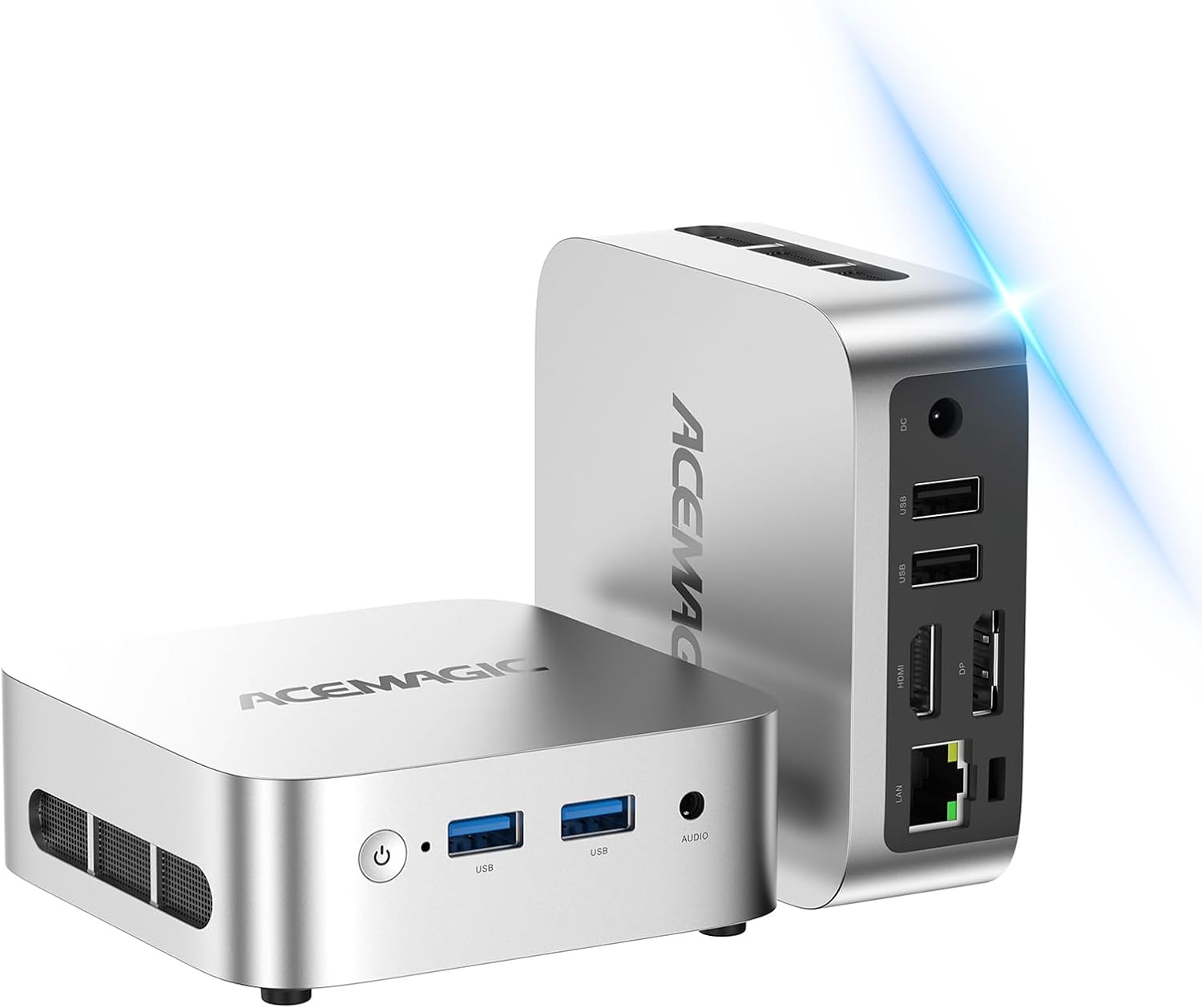
【Comprehensive Connectivity】: Supports connection to eGPU via OCuLink port, bringing ultra-smooth gaming experience. HDMI/DP/USB4 (8K@60Hz/4K@120Hz) supports 4-screen display, 2.5G LAN and Wi-Fi 7/BT 5.4, ensuring low-latency stable connection, built-in microphone and dual speakers, making your communication more natural.
【Efficient Heat Dissipation】: With a large silent fan and heat pipe, 65W stable release is achieved, and the full-load noise can be kept as low as 45dB even under high load. This ensures that the heat generated inside the PC is released efficiently and maintains a stable working temperature.
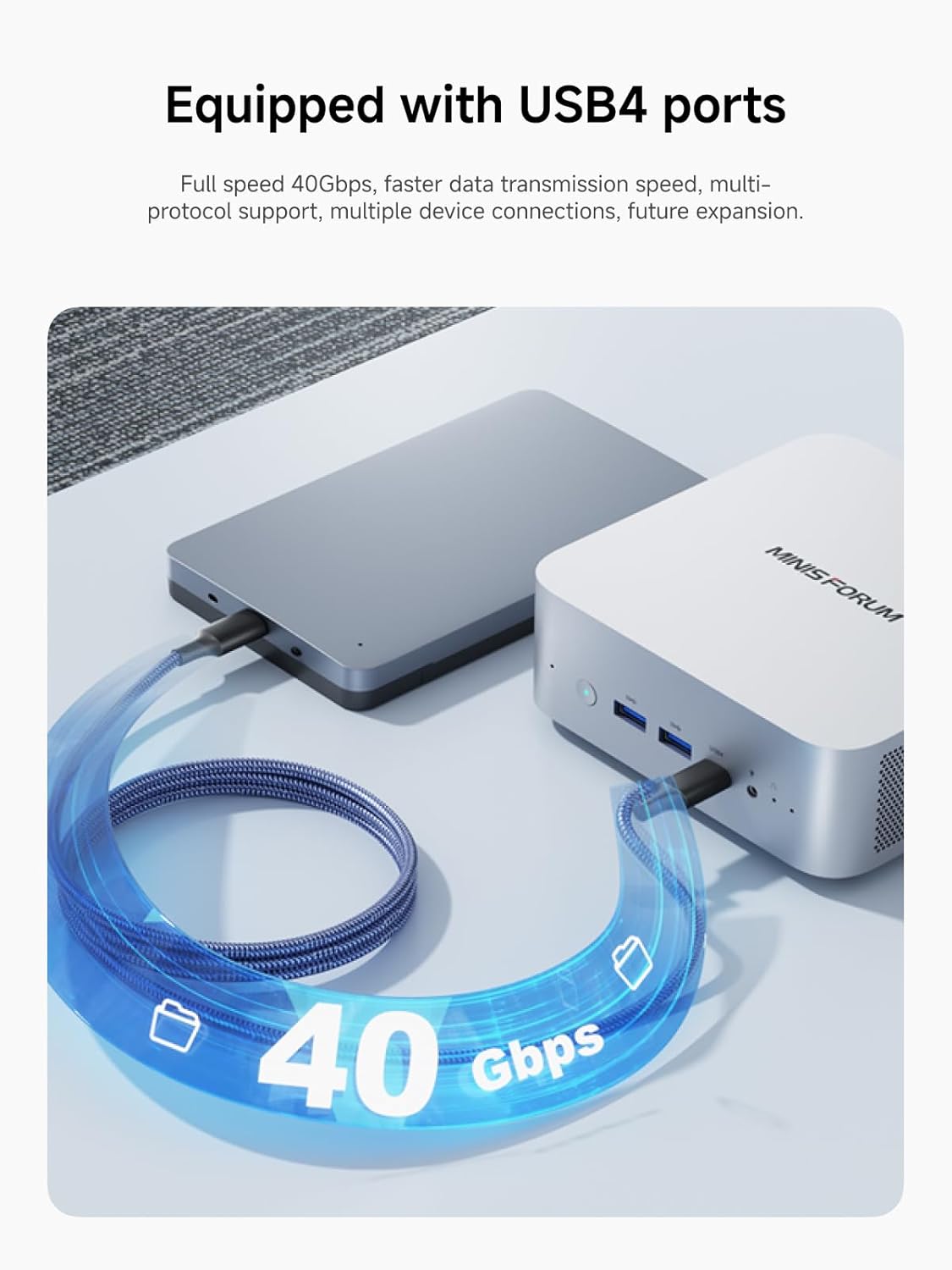
【Dual USB4 Ports】: AI X1-255 is equipped with a full-blood USB4 port with a transmission speed of up to 40Gbps, allowing you to easily handle large files, complex projects and high-demand applications, significantly improving work efficiency.And supports PD 65-100W input power supply to the host, and has a 15W external output power supply function, providing users with flexible power supply options, convenient for use in different scenarios.
NOTE:*Does not support hot swapping. OCuLink requires an M.2280 PCIe 4.0 SSD slot. Compatible with the MINISFORUM DEG1 eGPU dock.
Customers say
Customers find this mini PC to be worth the money, praising its quiet operation, fast performance comparable to tower PCs, and small form factor. They appreciate its gaming capabilities, with one customer noting it can run AAA games, and its powerful CPU. The functionality receives mixed feedback – while some say everything runs perfectly, others report units stopping after 4 months. The port capacity also gets mixed reviews, with customers appreciating the available ports but wishing for more.
12 reviews for MINISFORUM AI X1-255 Mini PC AMD Ryzen 7 255 (8C/16T, up to 4,9 GHz), 32 GB DDR5 RAM 1 TB M.2 SSD,HDMI/DP/USB4 (4K@120 Hz), Dual Speaker/DMIC,USB-A X 3, 2.5G LAN, Wi-Fi 7/BT5.4
Add a review
Related Products



Original price was: $1,199.00.$499.99Current price is: $499.99.

C. Thompson –
Very fast and quiet mini-PC very cheap
These AMD powered mini PCs are great. They just work, have a fast and powerful CPU, have decent integrated graphics and are extremely quiet and efficient. Perfect for just getting work done.
Phillip Pontious –
Great machine and support
I purchases the UM890 11 months ago when I ran into a problem. I contacted Minisforum support and worked with them to diagnose the problem. They responded to all of my emails within a day. It turned out to be a problem with RAM slot 1 and they gave me a return authorization. I sent my UM890 to their warehouse in California as directed. 3 days later they sent me a replacement computer and everything seems great. So great experience with their customer support and within 2 weeks, my faulty computer was replaced under warranty. I was only out the shipping to CA.As for the UM890 itself, I love the machine. Very compact and powerful. Nice array of ports to use for its small size. Its made a believer out of me in PC mini format. The only knock thus far is the RAM slot failure after 11 months. Hopefully the replacement will prove to be more reliable. My friend winded up ordering the same model based on my experience.
ScottiBYTE Enterprise Consulting Services –
Took me awhile, but I am there
Note in the picture that the Minisforum UM890 Pro is less than half the size of my Unifi USW Enterprise 8 PoE switch. The UM890 Pro is REALLY quiet. Under normal conditions you never hear the fan. I ended up putting a Samsung 890 Pro 4TB NVMe in mine to replace the provided 1TB NVMe. I run Ubuntu 24.04 on mine and it runs perfectly from the start. I have mentioned this little marvel on my @ScottiBYTE YouTube channel multiple times. I bought the UM890 to replace my Dell XPS 8930 which had developed problems. I configured the two 2.5Gbps NICs as an 802.3ad aggregated connection to my aforementioned switch and it is great to have a 5Gbps connection that hums along flawlessly.My only complaint has been the design of the BIOS. This BIOS lacks support for legacy boot. So, you will be booting EFI only. I suppose the fact that Microsoft has dispensed with MBR booting has influenced PC makers. The BIOS also lacks granular control over PXE booting features and for that matter I have not managed to get PXE booting to work at all. I have both Netboot.XYZ and a iVentoy PXE servers and my other systems boot from them fine. The UM890 takes the NBP download from the server but hangs on initializing iPXE. I use PXE booting for my backups and I am presently using a USB Bootable thumb drive as an alternative since PXE doesn’t work. I emailed Minisforum three times and their support apparently had no idea what PXE was and told me they only support Windows thinking PXE was an OS. The last BIOS issue I found was there appears to be absolutely no provision for a BIOS upgrade to this machine ever. After 40 years of building and configuring PCs that is a first. In fact the BIOs is what I would call the “PlaySckool” BIOS. However, past the BIOS this system is completely and totally FAST and AWESOME and I could not have hoped for better. By the way, pro tip… F7 is the key to bring up the alternate device boot menu.
Ace –
Horrible!!
I got it and it was okay at first for older games but when I tried to play multiplayer games it was horrible then I tried to increase the performance in the settings and went down for and update then tried starting it back up and now it doesn’t work it turns on and off way too quick and there is no way to troubleshoot it so I request a refund and they agreed through chat and said I’d have my refund in 2-3 hours then days later after not getting it I got in a chat with them and that said I couldn’t get a refund because it went over 30 days but a few days before they said I’d have my refund in 2-3 hours and so I couldn’t stand being lied to and called them and talked to 2 people who could barely speak any English and they refused to give me a refund and I about lost it so $766 out the window for me. If anyone decides to get this junk get the 2 year warranty yes it’s $60 but I promise you that you will be sending it back so just maybe not get it to begin with really.
TivoGuy –
Awesome higher end mini pc
Really nice desktop computer which is capable of light gaming… And with the provided occulink port, you can go higher end gaming if you want without getting a whole new system
JMc –
Small and quiet
Couple Win11 issues — like it took a bit to find out the OS was deactivating the keyboard after a couple minutes of inactivity, but after using crapfix, got rid of most of the bloatware. The unit itself works fine except for one issue: The audio plug on the front is non-functional — plug doesn’t “click” in and falls out easily, no sound except for some feedback and static — that’s the minus one star. Luckily it’s not a big deal for me because the bluetooth works just fine.. Added a USB strip — not enough USB ports on the unit. Actually, it’s so small that there isn’t space for many more ports. Works good for dual monitors, one HDMI and one DP. Very quiet. The blue power button is very bright — little fingernail polish and it’s fine. Held the unit down with some velcro patches on the four corners….otherwise it slides around when hitting the power button.
quik37silver –
Quiet, Compact, and Powerful â Handles 4 Monitors with Ease
This barebones mini-PC delivered exactly what I needed for a quiet, compact, high-performance build. I added DDR5 memory and two NVMe drives (1TB + 4TB), and the dual internal M.2 slots made setup clean and easy.I’m currently running 4 monitors (via HDMI, USB-C, and DisplayPort), and everything works flawlessly. The two USB4 ports are especially handy â one for display output and the other connected to an external SSD. Speeds are excellent, and all USB ports support high-speed transfers.Fan noise is impressively low â much quieter than my old tower PC â and system responsiveness is snappy even under load.Setup tip: After Windows install, be sure to update all drivers using the manufacturerâs support page and AMD’s driver tools. This ensures proper GPU, USB, and SSD performance.Very happy with this system â small footprint, big performance, great flexibility.
Ray –
Excellent mini PC. No problem. Fair enough price. Very easy to add an SSD. Easy to mount on a monitor. Makes the table much cleaner than any other kind of PC, while without compromising on performance. The only thing is that the noise is louder than my MATX pc, but only when the CPU is working hard. I’m not saying it’s noisy. It’s still pretty quiet but louder than my MATX.
Daniel PB –
Casi Ecxelente, solo que el Wifi no tiene mucho alcance le doy 4.9Versión Baramont.
Erick –
La mejor PC con un tamaño tan reducido, es muy rápida corre los juegos perfectamente y juegos pesados como indiana Jones lo recomiendo 10000% también al vender
Javier Ordoñez Ojeda –
Le puse 64 gb de ram y ssd de 4tb y anda perfecta , muy silenciosa , la uso para programacion y virtualizo con vmware workstation , lo unico que no pude hacer es habilitar en vmware el AMD-V/RVI pero las maquinas virtuales corren igual sin esa opcion y no tengo problemas de performance , no creo que sea tema de hardware , probablemente sea tema de windows 11
Bruno Dion –
I have another Minisforum, Iâm impressed how cool this one runs and happy with the included vertical stand.