

Stelpro Z-Wave Plus KI STZW402WB+ Thermostat (White) for Electric Baseboards and Convectors
Original price was: $54.95.$39.95Current price is: $39.95.


Price: $54.95 - $39.95
(as of Oct 10, 2025 16:58:16 UTC – Details)
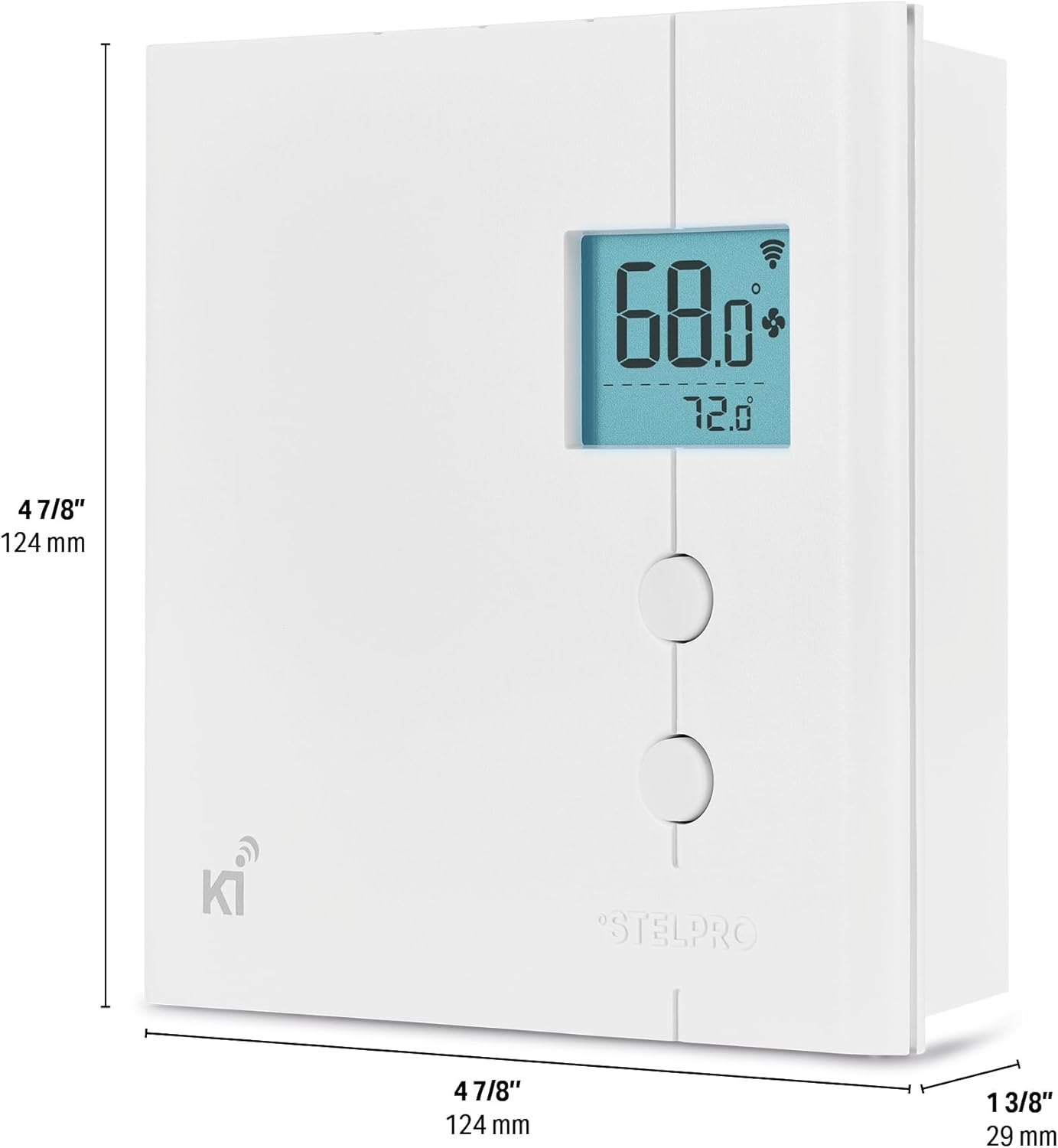
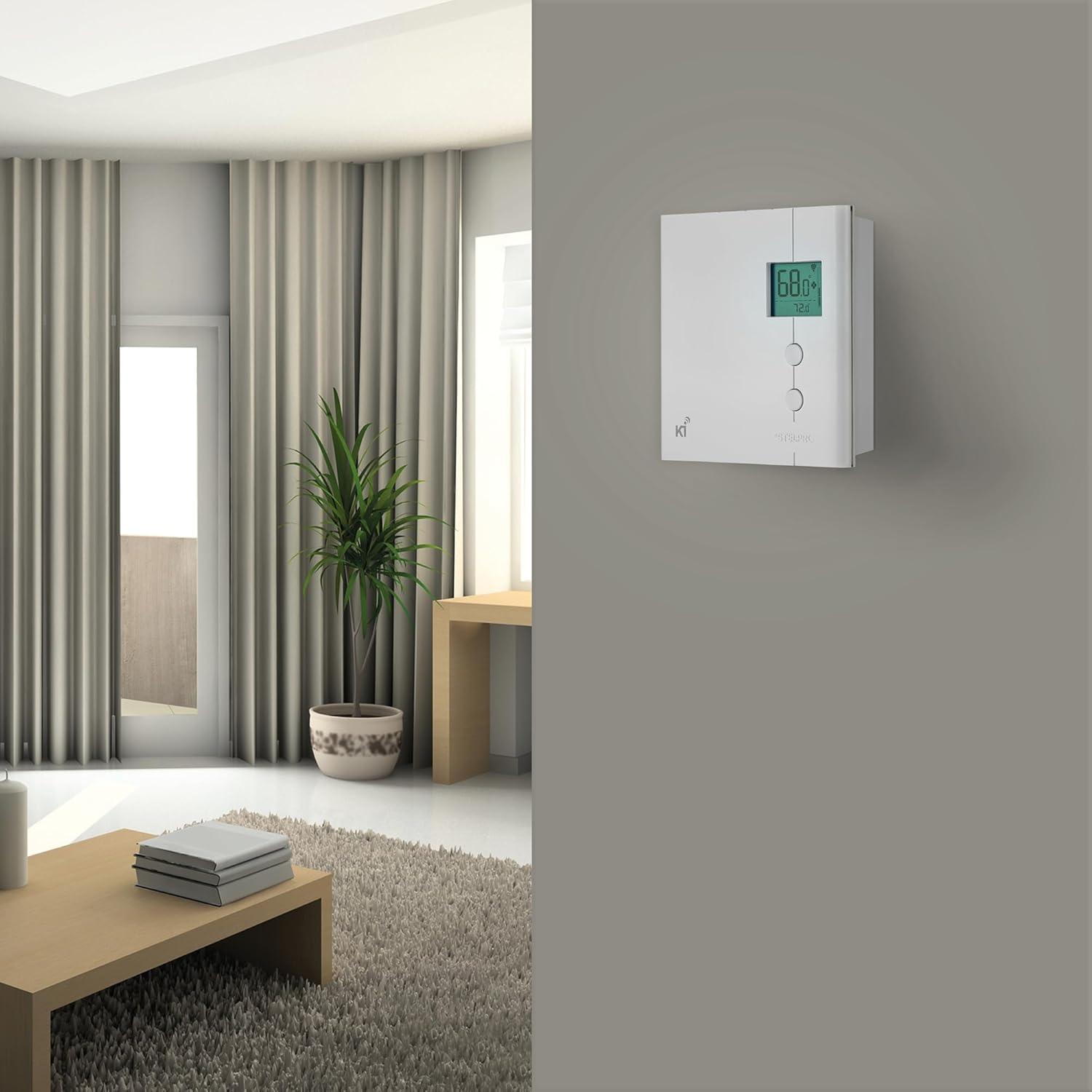
The KI thermostat for the smart home is the first ever Z-Wave line voltage thermostat in North America. KI thermostats can easily be integrated into the Z-Wave network of your home, allowing you to adjust the temperature in rooms of your home from a distance. The Z-Wave technology also allows you to activate scenes, setting in motion several actions such as adjusting the temperature and lighting, activation of safety and entertainment systems and more. For factory assistance on parts, installation, service or , please call 1-844-STELPRO (783-5776) or email Stelpro at elec. tech@stelpro with nature of problem and Stelpro will acknowledge and reply within 24 hours.
UNIQUE Z-WAVE: The Stelpro KI is the first Z-Wave thermostat in North America to work with line voltage, with a 2-wire connection to the heater.
EFFICIENT HEATING: Remotely control your baseboard and convector heaters from your mobile device or computer (when included to a Z-Wave gateway controller – sold separately).
SAVE SMART: Set your own temperature schedules to reduce energy bills with minimal effort; take advantage of the device’s ECO mode, designed to be as energy-efficient as possible.
ELEVATED CLIMATE CONTROL: Create advanced automations by pairing the Stelpro KI with other Z-Wave devices. Trigger the heating on/off with a door/window sensor, temperature sensor, motion sensor, etc.
CERTIFIED QUALITY: This thermostat is Z-Wave Plus and UL certified. Made in Canada. Works with SmartThings, Vera, HomeSeer, Nexia and Wink.
Customers say
Customers find this Z-Wave thermostat easy to install and configure, particularly noting its compatibility with Smartthings networks and Wink hubs. The thermostat effectively controls baseboard heaters and maintains temperature within a degree, with one customer mentioning they can manage temperatures from their phone. They appreciate its energy efficiency, with one noting it runs more consistently at lower power, and consider it an excellent choice for electric heating systems.
9 reviews for Stelpro Z-Wave Plus KI STZW402WB+ Thermostat (White) for Electric Baseboards and Convectors
Add a review
Related Products



Original price was: $54.95.$39.95Current price is: $39.95.

SavvyShopper –
First z-wave thermostat available for 220v heaters is awesome!
This thermostat is AWESOME! It’s the first 220v thermostat to support z-wave (4/2016). I am using 3 of them with my Nexia system, which supports z-wave devices. For you Nexia users, I think you will be very pleased. I haven’t tested it with other z-wave systems, but comments on the Nexia support site indicate that users of other systems are pleased as well.Here’s what I like:1. Seems very well built and solid2. All the electronics are OUTSIDE the j-box, so that only the wires are inside the j-box. This leaves more for the wires!3. Very easy to set up4. Paired well with my z-wave system5. No built-in scheduler. If you are using z-wave, you don’t need it6. Supports up to 4,000 watts7. Great customer support – I emailed them several times to make sure it would work with my baseboard heaters. They responded promptly each time.8. Works with 4-wire systems as well as 2-wire systems and was very easy to install – you can download the manual if you have questions. I forwarded mine to my electrician to verify it would work for my home’s heaters before I purchased it.([…]) or the spec sheet ( […] )9. Variable heating (1-4 levels of power) saves money10. Heating ONLY when you need heat saves lots of moneyIf you are a z-wave user, and have 220v heating, you should definitely consider this item.NOTE: The thermostat does NOT have a scheduler built-in. It is intended to be used with z-wave systems and scheduled from your z-wave app. This makes using the item much simpler, since you don’t have to mess with a complex internal scheduling system.If you have a z-wave managed home, here are some things you can do with this thermostat:1. Schedule each heater (I have 3 zones) to turn on and off2. Trigger setting changes via mode changes (such as morning, day, evening, sleep)3. Trigger setting changes via sensor events such as, heat this zone when there is someone present, and don’t heat the zone when no one is present (using motion detectors as the trigger)4. Trigger setting changes using lighting status. When I leave home, I turn of the entry hall light which uses a z-wave switch. When the system “sees” this switch turned off, it automatically sets the mode to AWAY and this turns off the heating and all the other lights, and sets the alarm.
Anonymous –
Decent Unit, Lacking Style
I’ve had this in my z-wave network for a few weeks now. It works quite nicely so I’m happy with the unit. I replaced two thermostats; one was easy to install, the other took me a lot of internet searches to figure out; the instructions could have been more helpful, but I guess the sellers probably find it to more legally safe to suggest just spending a few hundred dollars to get your $60 thermostat installed.Looks are where this thing is really lacking. The unit itself is huge, but the display and buttons are this tiny affair off in the corner. If you’re going to have the thing take up that much wall space, at least put a large display on it so that it’s visible when you aren’t right in front of it. As it is, it has the feel of being designed in the 90s. I guess if they wait another few decades the design might be “classic”!If there were any other z-wave thermostats on the market that I could find, I’d probably have bought them based solely on style, but as these were all that I could find and I have no complaints about their functionality. In fact, their feature where you can have two settings (one each for “eco”and “normal” modes) is very handy. I live in California so turn my heat on every other year or so, so I leave them on eco mode at 12C/54F the vast majority of the time and then just switch to normal heating mode when my apartment actually gets cold.
J. Ansaldo –
Great Thermostat for SmartThings users.
I have this installed in the Living Room of my condo, connected to 2 radiant heating panels in our ceiling. It is replacing a Mears M21-DP. Install was pretty easy, just take your time and make sure to identify your line and load sides. Pairing with my SmartThings v2 hub was painless.The device handler for SmartThings does not have native Alexa support but you can search and find code to fix that. It is pretty much copy and paste but it does involve some back-end work.The unit runs flawlessly. It has 3 heat stages rather than 1 so I will be interested to see if that fact will help my heating bills. It does supply power to the heating device even when it is off, I assume this is very low power to keep the unit alive. At the highest heat setting the unit will get warm, this is normal according to the manual.The device does try to display the outdoor temperature, however this seems a bit flawed as it only updates when you change the setting.March 22, 2018 – Stepro has updated their custom device handler for SmartThings, as well as created a custom app, that fixes the outdoor temperature issue.The only downside at this point is that I will hear clicking now and then from the device. The sound is similar to a relay engaging so I am assuming that the internal components are just getting worked in and this is normal.
Efren Andalis –
Great Z-Wave electric baseboard thermostat
Purchased this for an extension in our room that is heated with electric baseboards. We had the old school knob that just turns on and off the heater. Menu is a little clunky when accessing through the thermostat itself. But only thing that really needs through there is if you need Fahrenheit vs Celsius.I connected the device to my Smartthings Hub and connection was smooth through the newer app. Didn’t try installing through the classic app. Simple automation were easy to setup through smartthings and was even able to connect it to the Google Home app, which allows me to control the thermostat through voice.Think the only really smart choices for electric baseboards are this and the Mysa thermostat. But, would definitely recommend this if you’re using a smart hub to control your smart home devices, as you can create complex automatons through there. It may not be as elegant looking, but it integrates better in your smart home.
Anita and Scott –
Great product. Very reliable and holds the temperature very steady. The z-wave communication to my home automation hub is very solid and stable. As well this uses a type of Pulse Width Modulation (PWM) to control the temperature. Once the room approaches the set point, it turns the heater on and off frequently. (on for a short time, off for a short time, repeat) The on time gets smaller and smaller as the set point is approached. This provides a very stable temperature in the room.The only two things that would make this product better is if you could turn it off completely and turn off the PWM. As it is now, you can only set the temperature to 5 degrees C which is fine for the majority of use cases, including mine. It just wouldn’t work for those cases, such as a vacation property that does not need any heat in the winter. Being able to turn off the PWM mechanism and use a more standard “on until set point reached” would allow this thermostat to be used for high voltage heaters with fans. I have two 240 volt heaters that have fans that I can’t use with this thermostat due to the frequent on-off cycling.I will definitely be getting more of these
Christophe D. –
Fonctionne très bien, il manquerait juste l’affichage de l’heure et être capable de savoir combien de kwatt il consomme pour que ce soit parfait
Attilas –
I tried the Mysa thermostats and it was unstable with HomeKit, then I tried Stelpro Maestro but it was plagued with Zigbee connectivity issues, then I ordered Stelpro z-wave Ki thermostats and it is a keeper.I paired 6 of those with a Samsung Smarthings which I then linked to HomeKit using Homebridge software running in a virtual machine. Stability is great and has been responding all the time steadily inside HomeKit. Z-Wave is the game changing feature in my case, since I have plenty of Wifi devices, Sonos and Philips hue lights inside my house which caused a lot of noise and instability for other thermostat. Wifi, bluetooth and zigbee all run on the 2.4Ghz frequencies which caused connection and stability issues with the Stelpro Maestro. Stelpro KI Z-wave is all alone on the 900Mhz frequency which make connectivity lot more stable.Additionally I like the more traditional LCD display that stay up all time without any backlight if not touched (Backlight can be optionally changed to permanently on). Like more traditional thermostat, it is easy to read room temperature at a glance and do not light up at night. This was an issue with Stelpro Maestro that turn off screen on proximity, which is cool but not useful. The Mysa LED display light was made available in HomeKit as a light bulb, which was a “cool” feature but also responding to command like “Turn off/on light in room”. For me it was not really a light but a instrument display, in the end, I prefer simple and standard LCD monitor like found on this KI Thermostat.I might miss the humidity sensors that other thermostat I tried had. But I prefer stability for things that control so much electricity current.
k39sdhg –
The product works as advertised.By limitation I mean that it doesnt support zwave S2 security protocol wich might translate into someone around your house messing with the thermostat without your approval. I removed a star from the rating for this negligence.Other than that it has minor anoyances that gives a feeling of an under-engineered product (for the price point). It doesnt let me control scheduling, backlight level or monitor actual energy consumption. I removes another star from the rating for these anoyances.
Steven –
Easy to wire, setup and use with my smart things.