
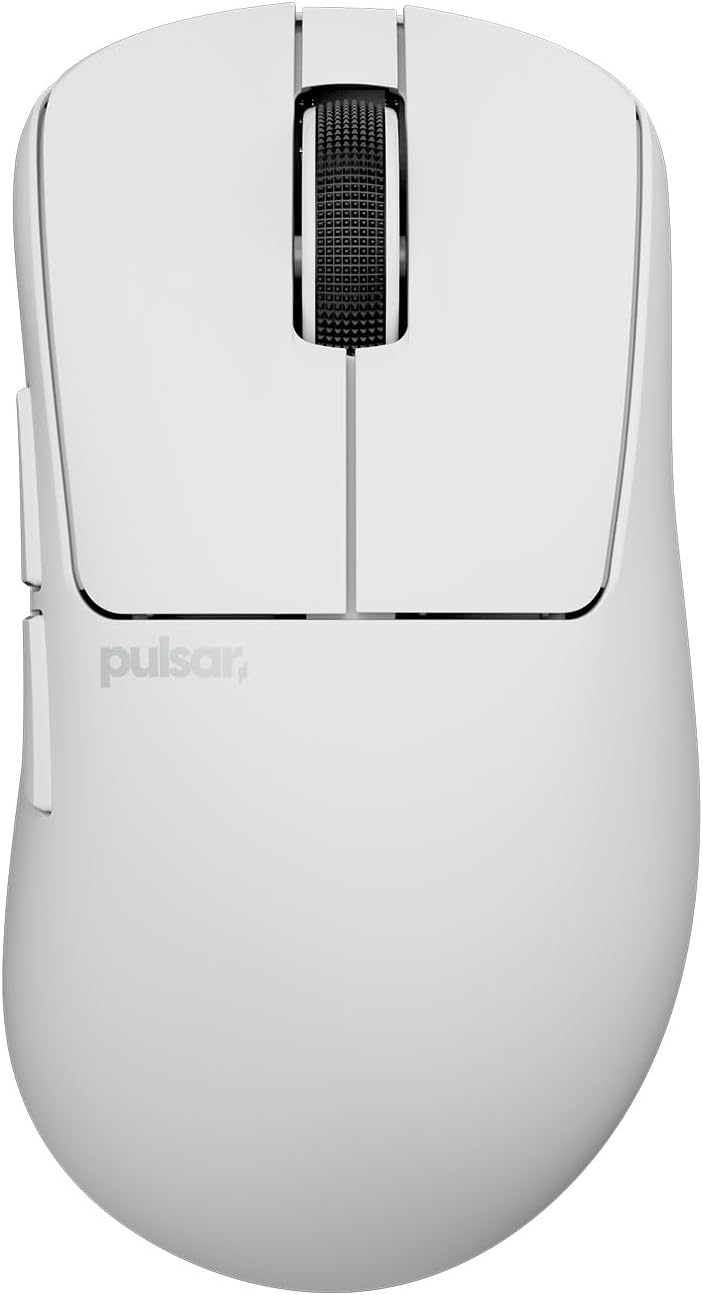
Pulsar Gaming Gears Xlite Crazylight Wireless Gaming Mouse, Ultra Lightweight 1.45 oz (41g), Optical Switch, 32000 DPI, 750 IPS, XS-1 Sensor, 8k Compatible (Uyuni White)







Price:
(as of – Details)
Product description


1 DIMENSIONS
2 PACKAGE CONTENTS
3 SENSOR & REQUIREMENT
4 GENERAL

 Pulsar XS-1 Sensor
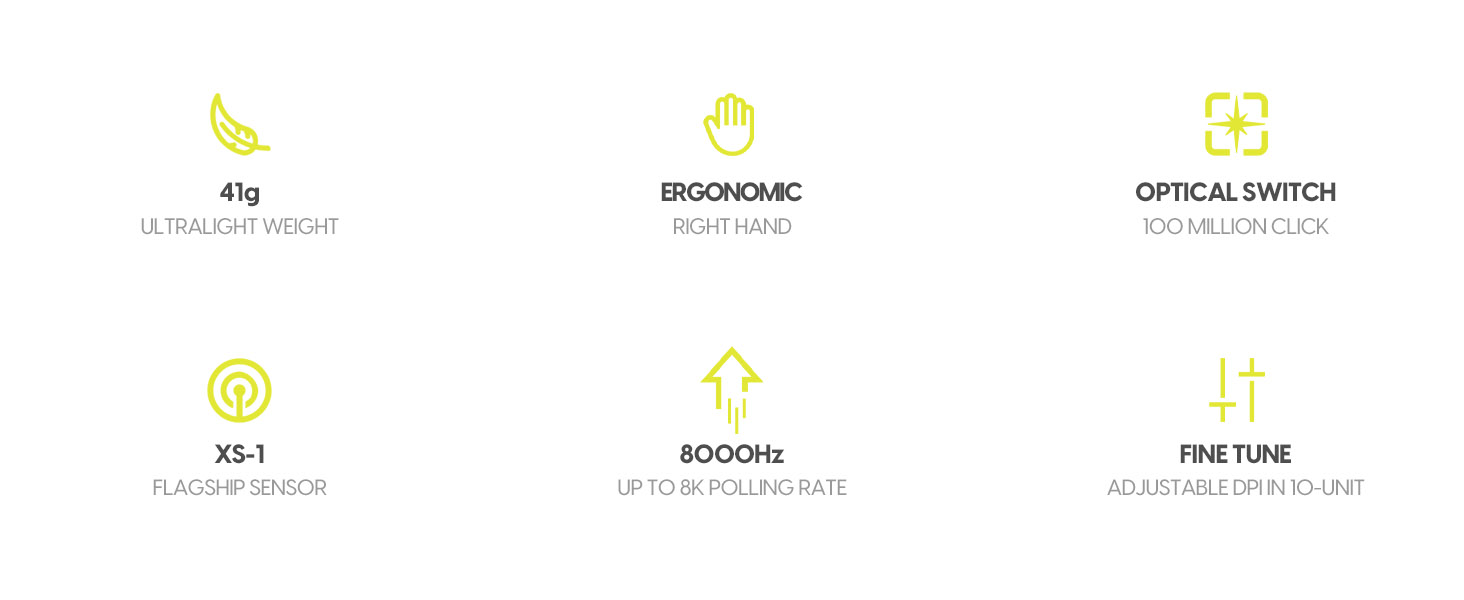
The XS-1 Sensor, exclusive to Pulsar, boasts an impressive 32,000 DPI resolution, 750 IPS tracking speed, and 50g acceleration, delivering unparalleled precision and speed.
 MASTERY IN EVERY FEATHERLIGHT MOVE
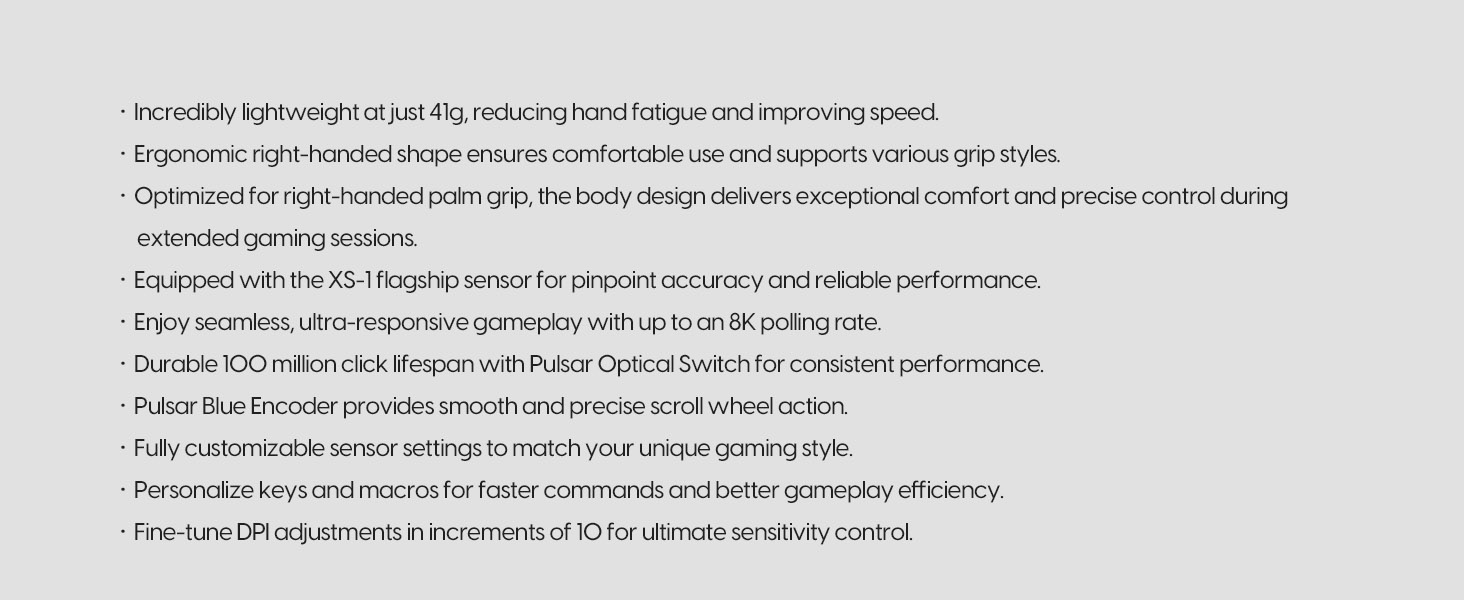
Despite its ultra-light 41g design—lighter than an egg—it delivers top-tier performance and durability for the ultimate gaming experience.
41g (1.52oz) with dot skates
43g (1.59oz) with regular skates
 SYMMETRICAL SHAPE, SUPERIOR PERFORMANCE
The Xlite CrazyLight is designed for right-hand palm grips, delivering unmatched comfort and performance for marathon gaming. Engineered for precision, it’s the competitive gamer’s go-to mouse.
 Adjustable LOD Settings
Customize your gaming experience with three LOD settings: 2mm, 1mm, and 0.7mm. Achieve precise control and accuracy on any surface.
 PULSAR OPTICAL SWITCH
The Pulsar optical switch, designed for gaming, offers ultra-fast, precise response with a 100-million-click lifespan, reducing input delay and enhancing durability.
 PULSAR BLUE ENCODER
Pulsar Blue Encoder, a breakthrough from our trusted partner, offers a tactile rotation feel, quiet operation, and built-in dust-proofing for reliability against micro dust faults.
 8K POLLING READY
Upgrade your gaming with the Pulsar 8K Dongle, offering ultra-high polling rates for lightning-fast precision. Enjoy smoother, lag-free gameplay with up to 8x faster updates than standard 1000 Hz.
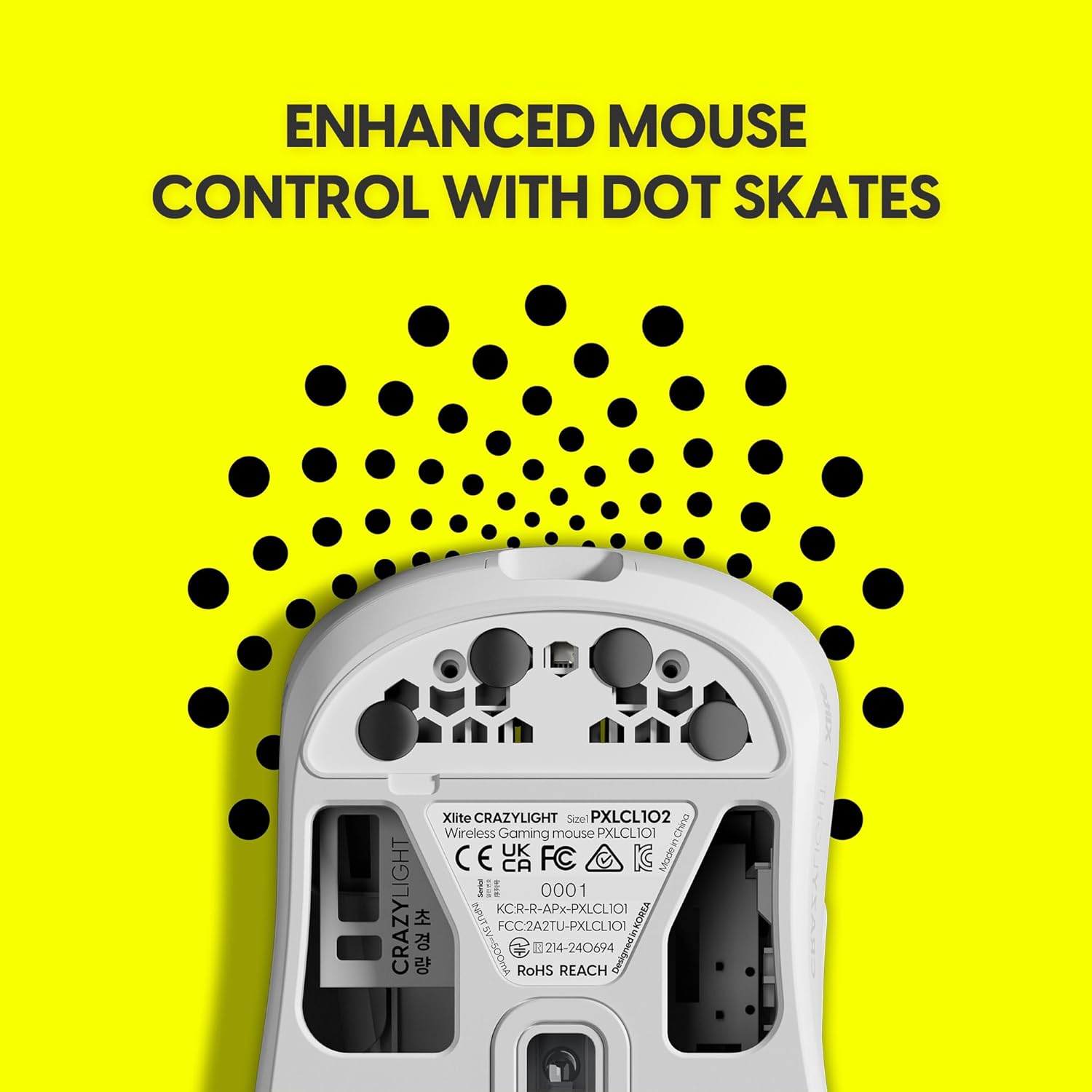
 ENHANCED MOUSE CONTROL WITH DOT SKATES
The included Pulsar Dot Skates (16 UHMW-PE, 6.6mm) offer low friction for smooth gliding, enhanced speed, and precision while resisting wear for consistent glass and hard mousepad performance.
 PixArt Motion Sync Technology
To make your sensor more accurate tracking, the Motion-Sync Technology is built into the sensor. You can choose to turn on and off this Technology by Pulsar Fusion Software.
 FULLY CUSTOMIZE IT YOUR WAY
With the Xlite CrazyLight’s software, you can easily adjust DPI, polling rate, and button functions to optimize your mouse for smooth, responsive gameplay.


Mastery in Every Featherlight Move – Xlite CrazyLight gaming mouse redefines what it means to be lightweight, tipping the scales at an unreal 41g lighter than an egg. Its minimalist design ensures ultra-light handling while delivering cutting-edge functionality for peak performance. Despite its feather-light build, it boasts exceptional durability and sleek aesthetics. Elevate your gaming experience with a mouse that feels nearly weightless but delivers heavyweight results.
XS-1 Flagship Sensor – The XS-1 Sensor, exclusive to Pulsar, boasts an impressive 32,000 DPI resolution, 750 IPS tracking speed, and 50g acceleration, delivering unparalleled precision and speed.
Speed of Light Optical Switches – Minimizing the chances of unintended double clicks, these switches ensure swift and pinpoint responses. Paired with the Pulsar Blue Encoder, which offers a delightful tactile rotation experience, all within a dust-proof structure.
Ultra Lightweight – “Simple but not simpler.” We kept this in mind all the time when we designed Xlite structure. We designed a structure as simple as possible but maintained its durability. In the result, you are getting high performance gaming mouse that is lighter than the egg in your hand.
8K Polling Ready – Designed for 8K displays, it offers an ultra-high polling rate, delivering up to 8x more data reports per second compared to standard 1000 Hz rates. This ensures lightning-fast responsiveness and minimal input lag, providing seamless updates between your mouse and monitor. *Package includes 8K Dongle.
Customers say
Customers find the gaming mouse feels good and appreciate its excellent wheel and solid construction. They praise its lightweight design, with one customer noting how it improves reaction time scores.
7 reviews for Pulsar Gaming Gears Xlite Crazylight Wireless Gaming Mouse, Ultra Lightweight 1.45 oz (41g), Optical Switch, 32000 DPI, 750 IPS, XS-1 Sensor, 8k Compatible (Uyuni White)
Add a review
Related Products




cf –
Creaks a bit, but perfect otherwise!
Tried the x2h mini and the xlite. This one is the one that’s perfect for my specific hand grip. If you’re on the fence, look up the different mouse grip styles and buy based on what matches yours. For the xlite I found out that I have a “relaxed claw grip.”As for the mouse itself aside from the perfect shape, the best thing about this is the coating feels really great as it’s a matte finish that doesn’t hold on to sweat like some others do. It doesn’t feel tacky after awhile, which I greatly appreciate. My only criticism so far is that there is some creaking on one small spot on the right side of the makes a creaking sound when you put pressure on it, but it’s not that big of an issue to be a deal breaker for me. Huge thanks to RocketJumpNinja for the guides on how to pick a good mouse for your specific hand and grip style. That really helped me as someone new to gaming mice.
Amazonian –
This is an excellent mouse with a fantastic ergo shape.
So far it has been a pretty great experience using the Xlite V3, it’s light and balanced great so it feels very fluid using it. Hard to describe just feels very fluid and it just flows. The shape works fantastic for me, I have 18×10 hand size and relax claw tilt grip mice. I have used a few other ergos so I can give you a comparison to the EC2, and DaV3.Compared to the EC2, I prefer the weight of the Xlite v3, but I would say the EC2 shell definitely feels more solid. Both coatings are done well it just depends on what you prefer. The EC2 feels more grippy / tacky / sticky but if any oil from your skin gets on it you will start to lose that feeling until you clean it, where as the Xlite v3 is not quite as sticky but it never feels oily like the EC2 can get. The EC2 has a better feeling m1/2 switch, but it’s nice not having to worry about double click issues with optical on the pulsar. With the Xlite v3 I prefer the mouse 1 and 2 finger grooves and thumb groove feels more curved, it feels like it was more custom tailored to my hand where the ec2 maybe in general be “safer” but this feels more defined in comparison.The EC2 has a very tactile scroll wheel and is really good for gaming, however anything outside of gaming can get very annoying for me, it’s a very grating sound almost like it’s scraping against the internals which is fine for gaming but productivity or web use I would not want to use it all day. Xlite v3 in this regard is hardly audible while scrolling but is no where near as tactile, it’s not even close so if that’s important to you I would keep that in mind.Comparing it to the DaV3 wired is hard becuase I really enjoyed the dav3 it was just simply too big for my hand, otherwise that is another phenominal mouse that I would have kept as a main even having a wire.The coating is superior on the Xlite v3 in my opinion and the clicks are about the same, scroll wheel I feel is better on the xlite v3 as well.Some closing statements I’d like to make is the battery life is pretty good on the non eS version, I don’t think i’d mind if pulsar added a larger battery for a little bit of added weight though, I really hate having to charge mice but the advantages of not having a cord is too good once you get used to it. So with that said I wouldn’t mind a bit better battery life, perhaps the eS battery would boost the usage without adding too much weight.Secondly my copy has been pretty good in terms of QC but one thing to note is that my copy arrived where the mouse was loose inside the box, it was not seated in the box so maybe something happened in shipping but after using it for a week or two my copy has developed this very annoying ticking noise any time you just so much as place a finger on the middle mouse button (scroll wheel) it’s quite loud and a bit annoying, everything else has been pretty solid. I would say in this case during delivery it got bumped a few times and got unseated in the packaging.Overall fantastic mouse, hope this helps some of you trying to figure out what you want in an ergo mouse. for me this is 8/10, it would be 10 with a bit more battery life and if the middle button didnt tick otherwise it performs flawlessly, and just feels perfect. I feel the 4k dongle should come included for this price, I think the fact that companies are still selling them seperately is pretty scummy when the mouse is capable of using it.
Michael Berry –
A+ Top Tier Mouse and it’s a STEAL!
Reviewing the Pulsar Xlite Wireless. It is a phenomenal deal that they’re offering for a mouse with this performance tier. There is a single DPI button on the bottom of the mouse, and a preset card in the box informs you of what color code translates to which setting. If you download Pulsar Fusion, there is a lot more to customize and you can save DPI ranges to the mouse’s onboard profile. Motion Sync, Ripple Control, Angle Snapping? You can customize debounce, double click rate, lift off distance… I mean to say it, this is a fully featured mouse and I’m certainly glad Pulsar made this wired edition available. The body is so lightweight, it’s hard to gauge quality without heft, but I feel this one will last a long time. If you’re on the fence about Pulsar check out this wired mouse, it’s a good intro to what they have to offer and it’ll probably win you over in the process. I almost forgot! The wheel is absolutely brilliant, it’s crisp and feels strong, with a premium feel – coming from a Basilisk v3, I would say this is an excellent wheel.
hypersphere –
Excellent mouse with a few drawbacks — and the 8k dongle should be included
I purchased a Pulsar Xlite v4 Large mouse to determine if I should buy 5 more as replacements for the 6 Logitech G403 wired mice currently connected to my Linux and Windows workstations. The Logitech mice are still going strong after 8 years, but now I am looking for wireless alternatives with larger dimensions to better suit large hands using a palm grip. The Pulsar has top-tier technical specifications, generally excellent build quality, and a quiet scroll wheel with optimal tactility. I also appreciate the no-nonsense software and onboard memory that stores my settings for use on my Linux machines. However, the clicks on the top left and right buttons are a bit louder than I prefer, the smooth shell could benefit from some subtle texturing to offset stickiness, and the USB-C receptacle is a very tight fit for the cable. Although the Pulsar is larger than the G403, the rearward high-point of the smaller mouse makes it a better fit for my palm. The most glaring shortcoming of the Pulsar was the lack of an 8k dongle — an item not currently stocked at Amazon. Despite the relatively few and mostly minor drawbacks, overall I recommend the Pulsar Xlite v4 Large mouse.
ranie –
Look and function
Looks good and function is good
Jose N. –
Best Mouse
I’ve had this mouse for about 3 months now and it has been great. The battery life is top tier, I only have to charge it once for about an hour every 2 weeks. The size of the mouse is great and feel comfortable when using. The dongle also makes it so that it is no lag or disconnections. The white finish on the mouse has a great quality to it. It’s doesn’t get dirty easily and even when it does, it’s easy to clean.
Luis –
Con quien puedes compartir
Me gusto mucho gracias